
If documents are central to your work, DocuAssist.AI helps you work smarter.
AI-Powered Document Management
DocuAssist.AI combines powerful PDF tools, intelligent document analysis, and document security in a single platform.

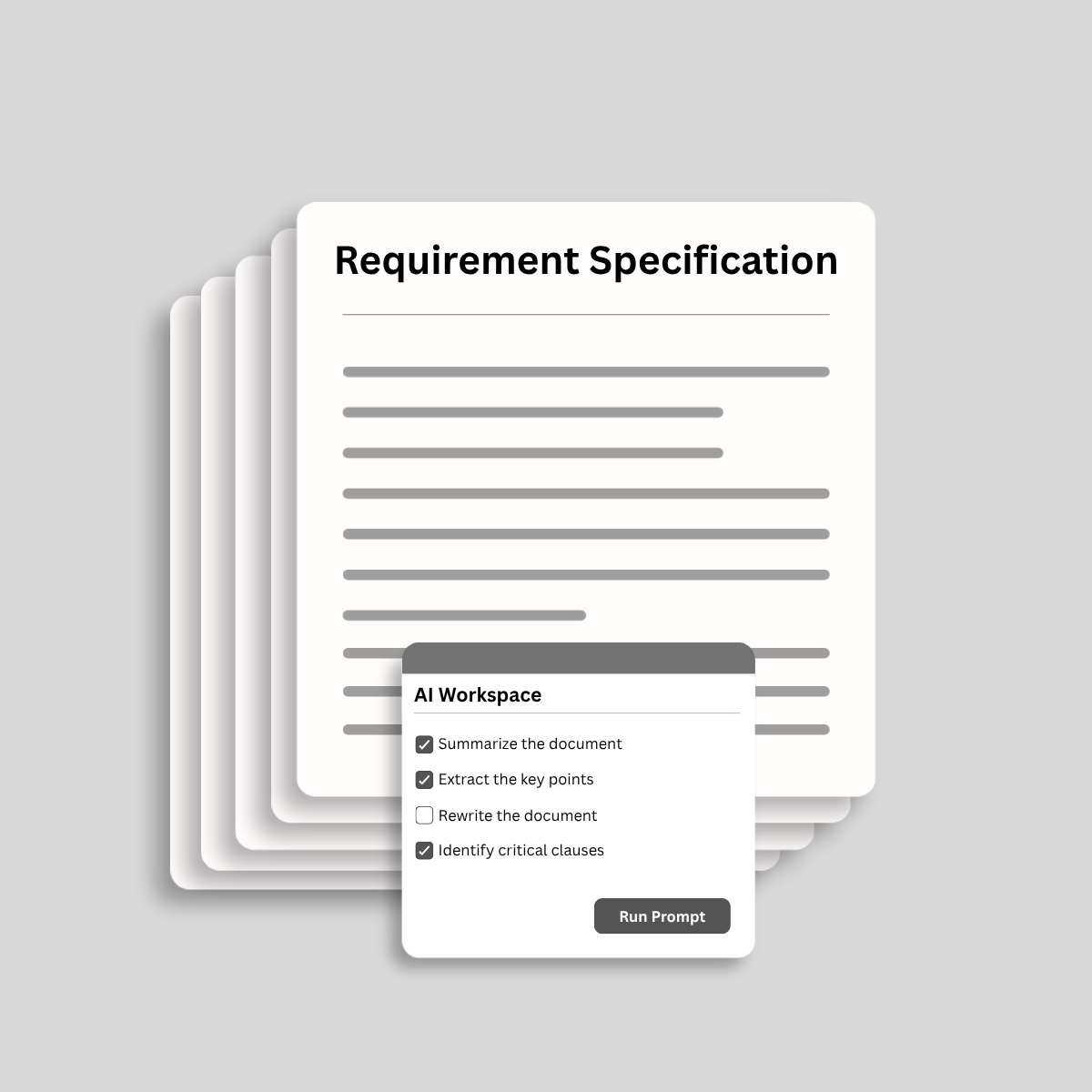
Analyze and process documents with AI.

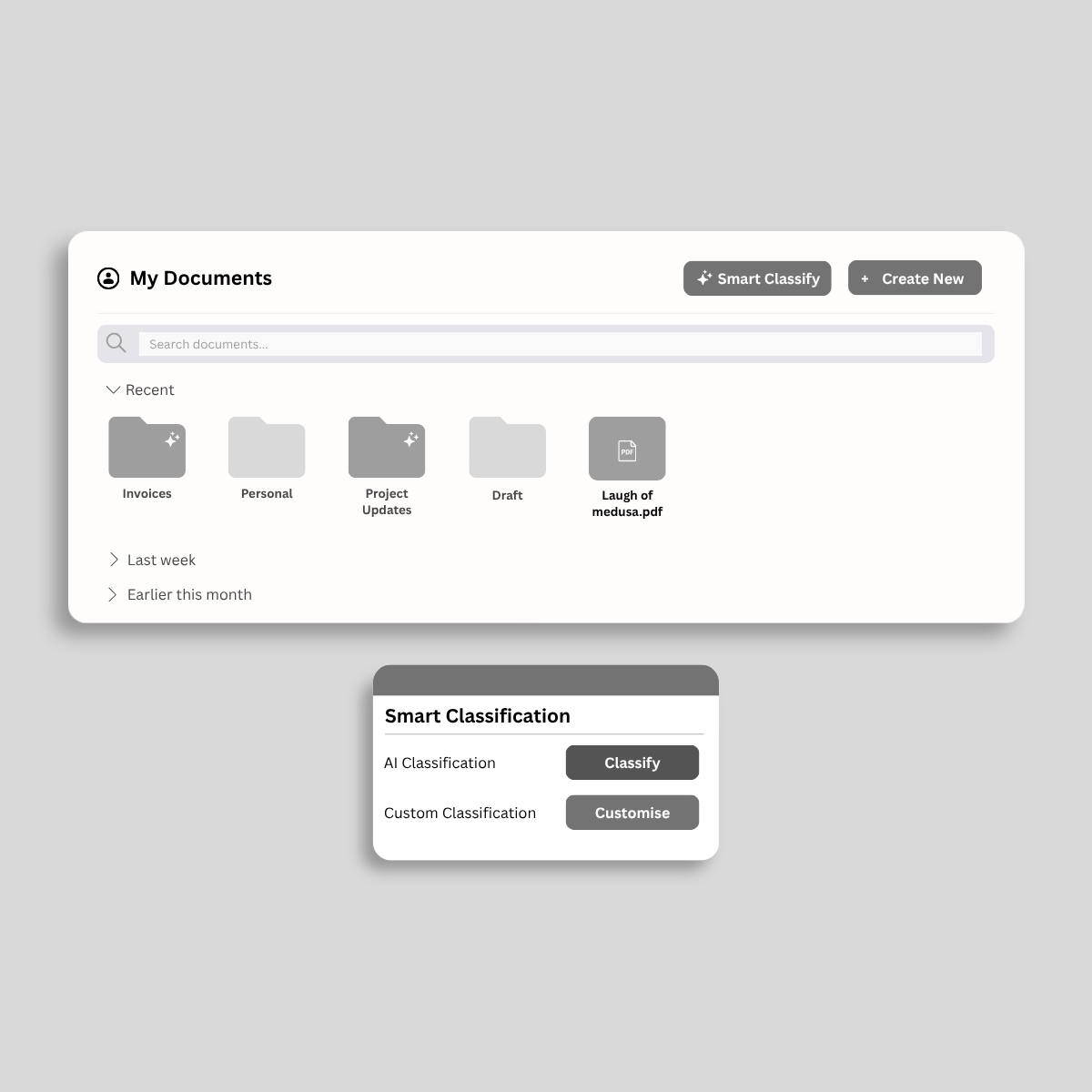
Organize, track, and manage important documents.

Reuse AI templates and conversations to save time.

Secure documents with DRM and access controls.
将静态文件转化为动态的商业资产。体验在云中修改和管理PDF的最快方式。
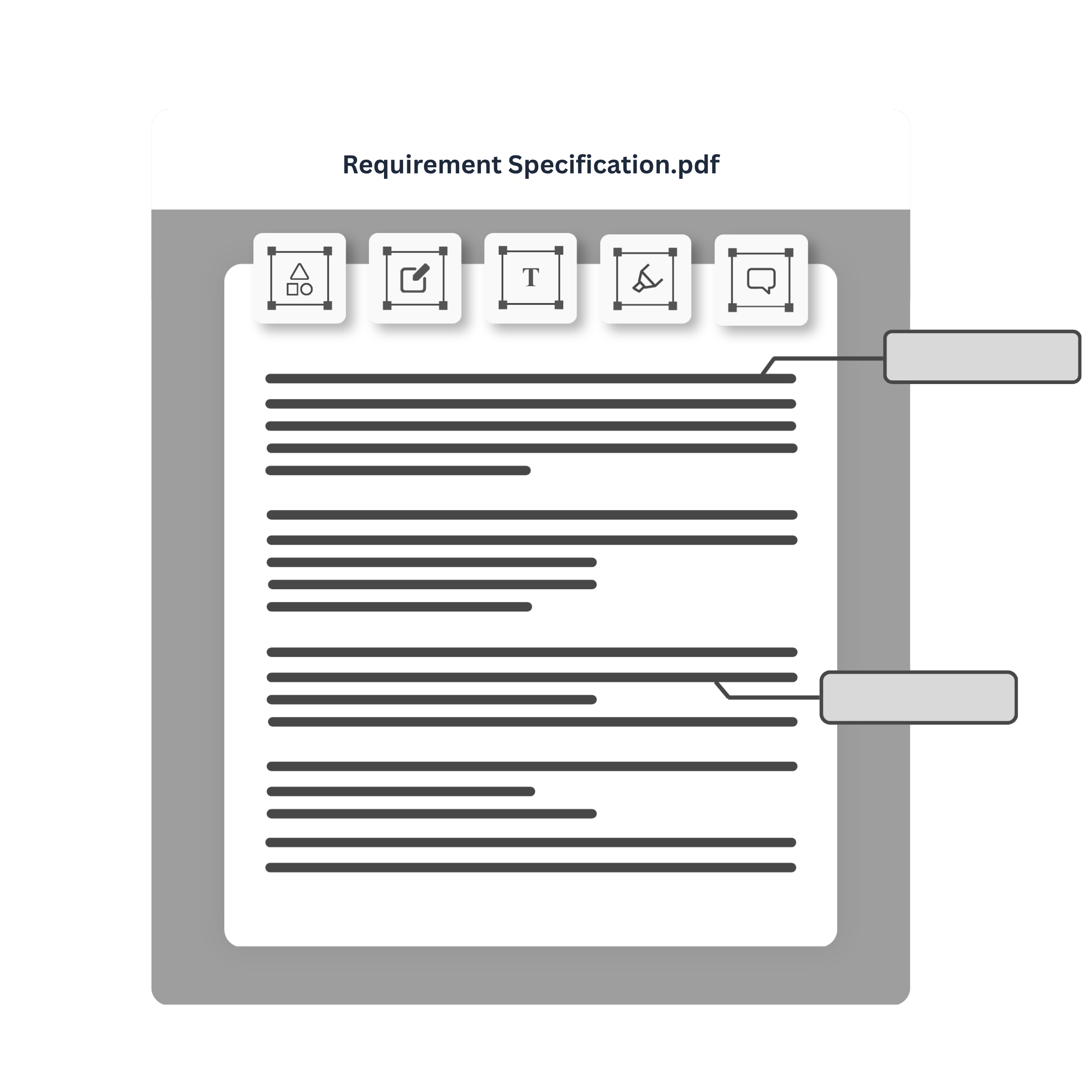
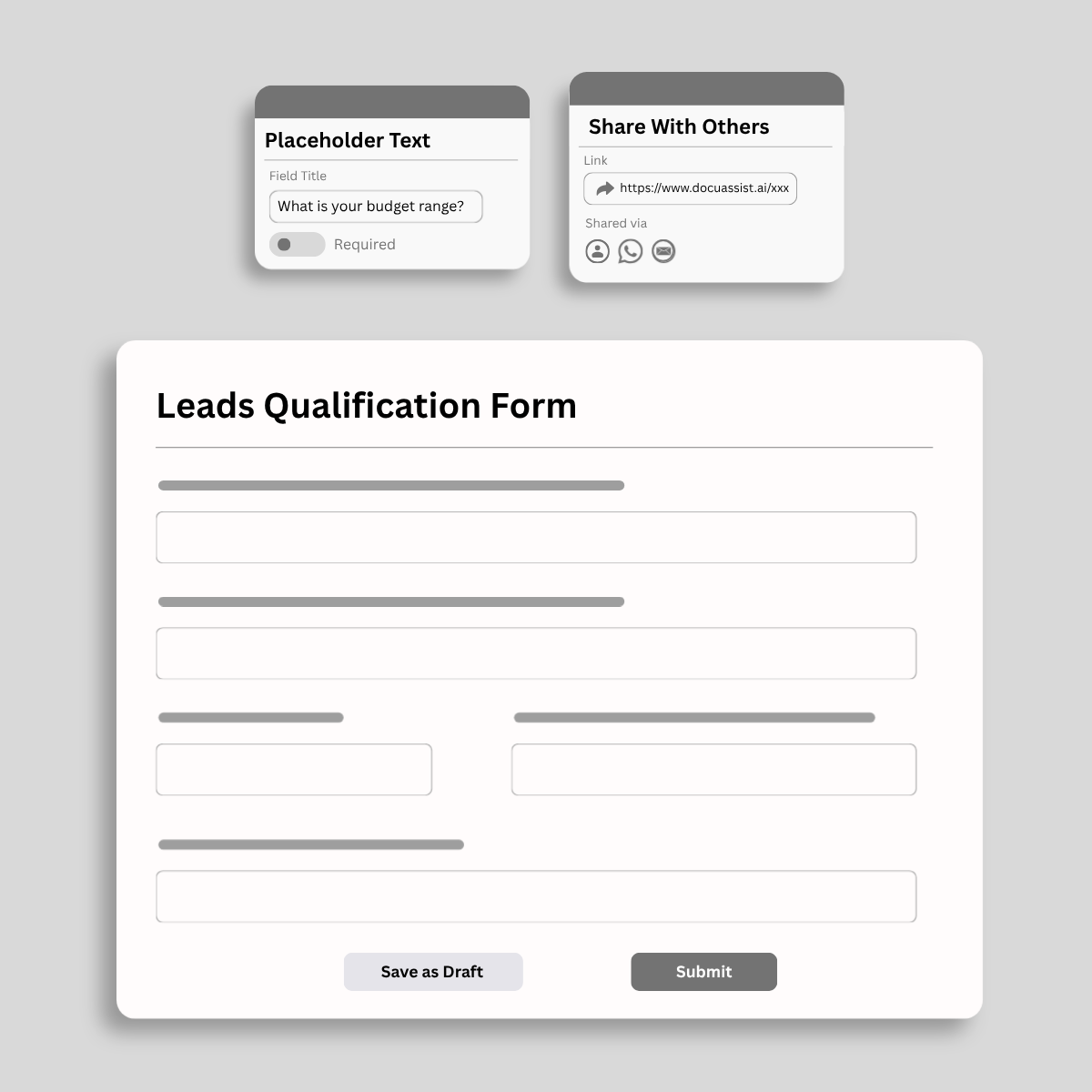
在不离开平台的情况下完成交易。构建智能表单,路由审批,并即时捕获安全的数字签名。
忘记涂黑或擦除。使用唯一的法医级解密使您的元数据不可见,而不仅仅是被遮盖。
在具有军用级别加密、水印和复制粘贴控制的加密库中锁定您的愿景。


Access and import documents from the platforms you use every day. DocuAssist.AI integrates with OneDrive and SharePoint today, with Google Drive and Gmail coming soon.
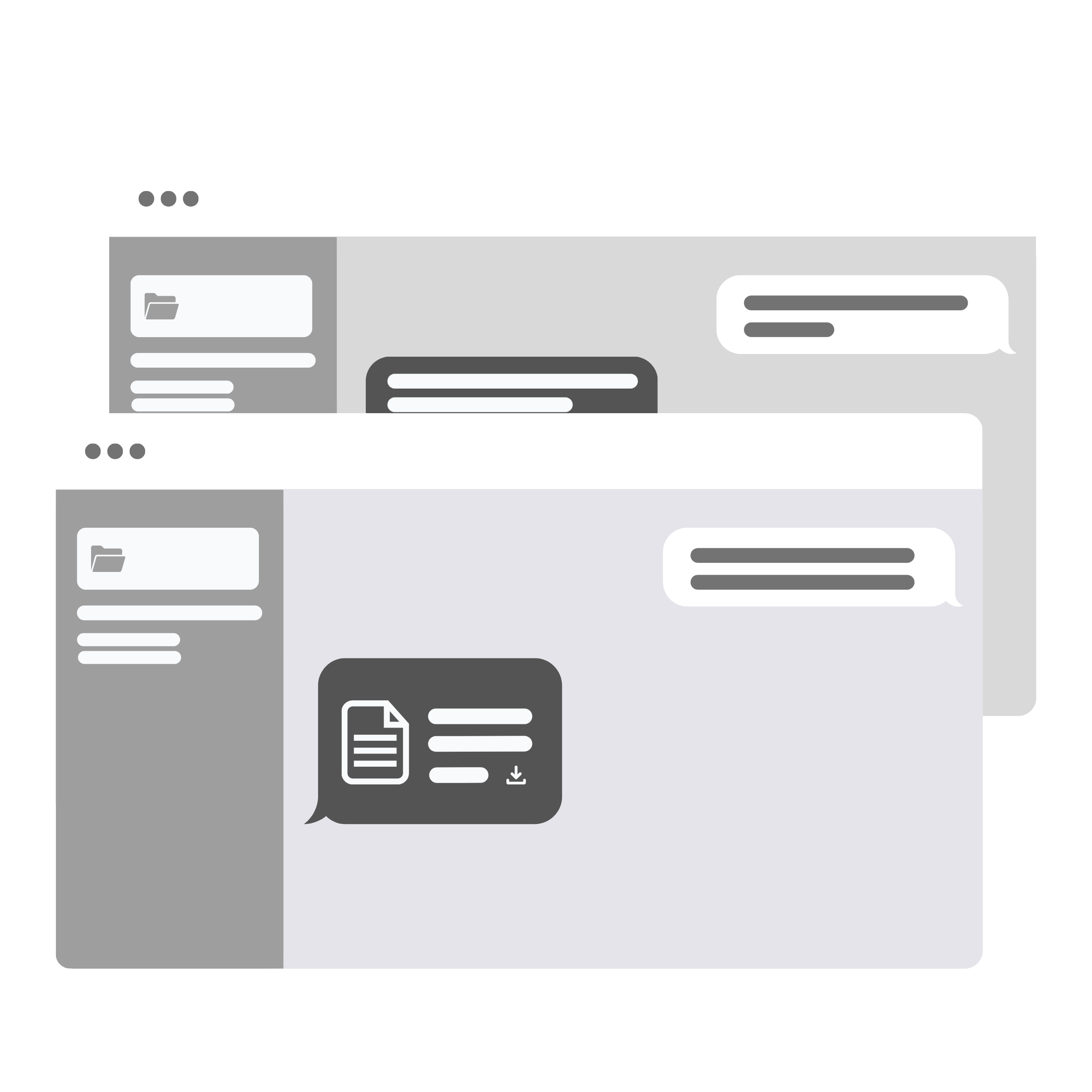
Centralize your documents, streamline workflows, and share signature requests instantly via WhatsApp—all from a single AI-powered workspace.
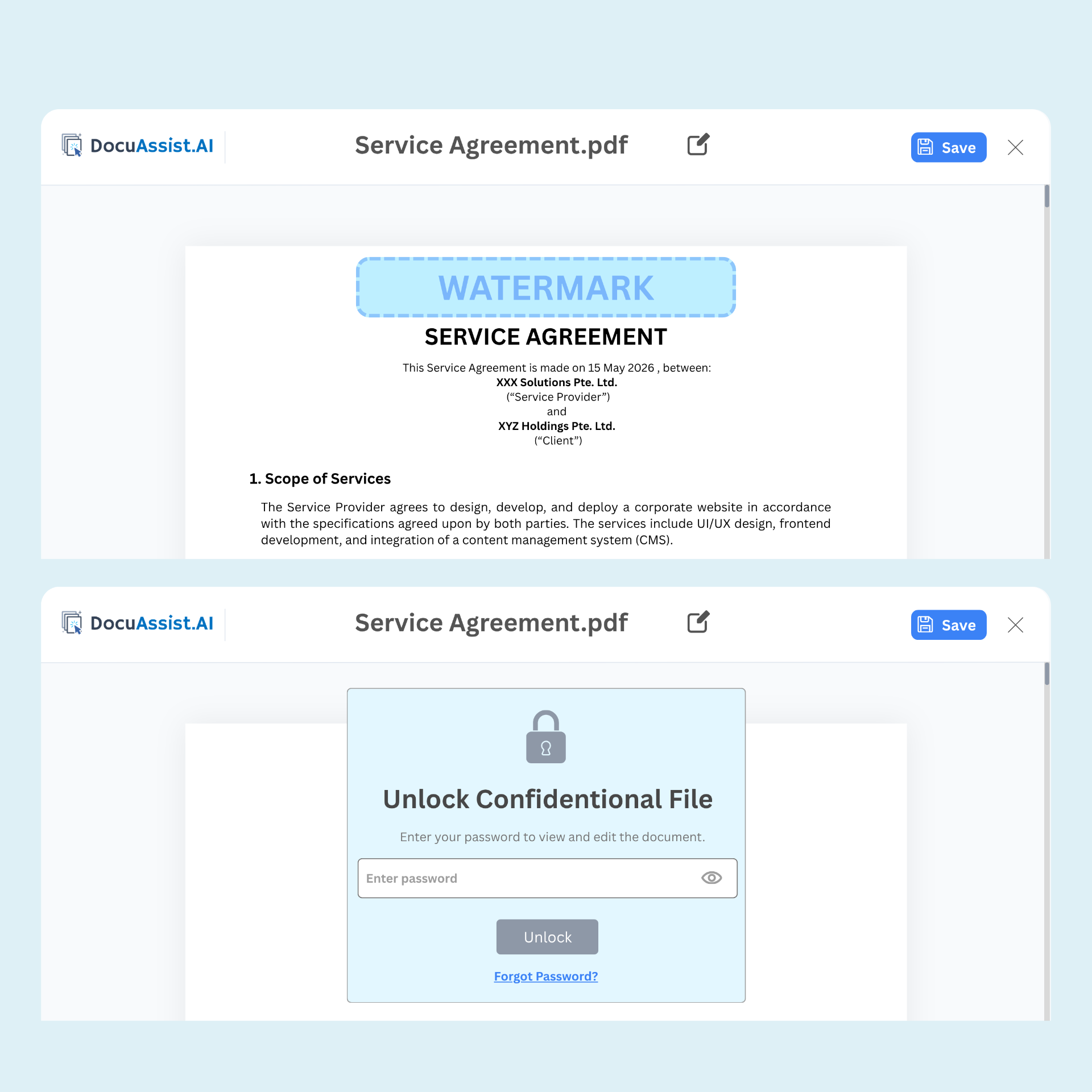
Secure sensitive documents with Digital Rights Management (DRM). Control access, prevent unauthorized sharing, and maintain visibility into how your documents are used—even after they've been distributed.

Secure document sharing

Dynamic watermarking

Copy and print restrictions

Access monitoring and tracking
关于我们的安全文档平台、即将推出的功能和早期访问的所有信息
DocuAssist.AI is an AI-powered document management and processing platform that helps individuals and businesses manage, analyze, secure, and collaborate on documents more efficiently.
It combines AI document intelligence, PDF tools, document storage, and digital rights management (DRM) features in a single platform.
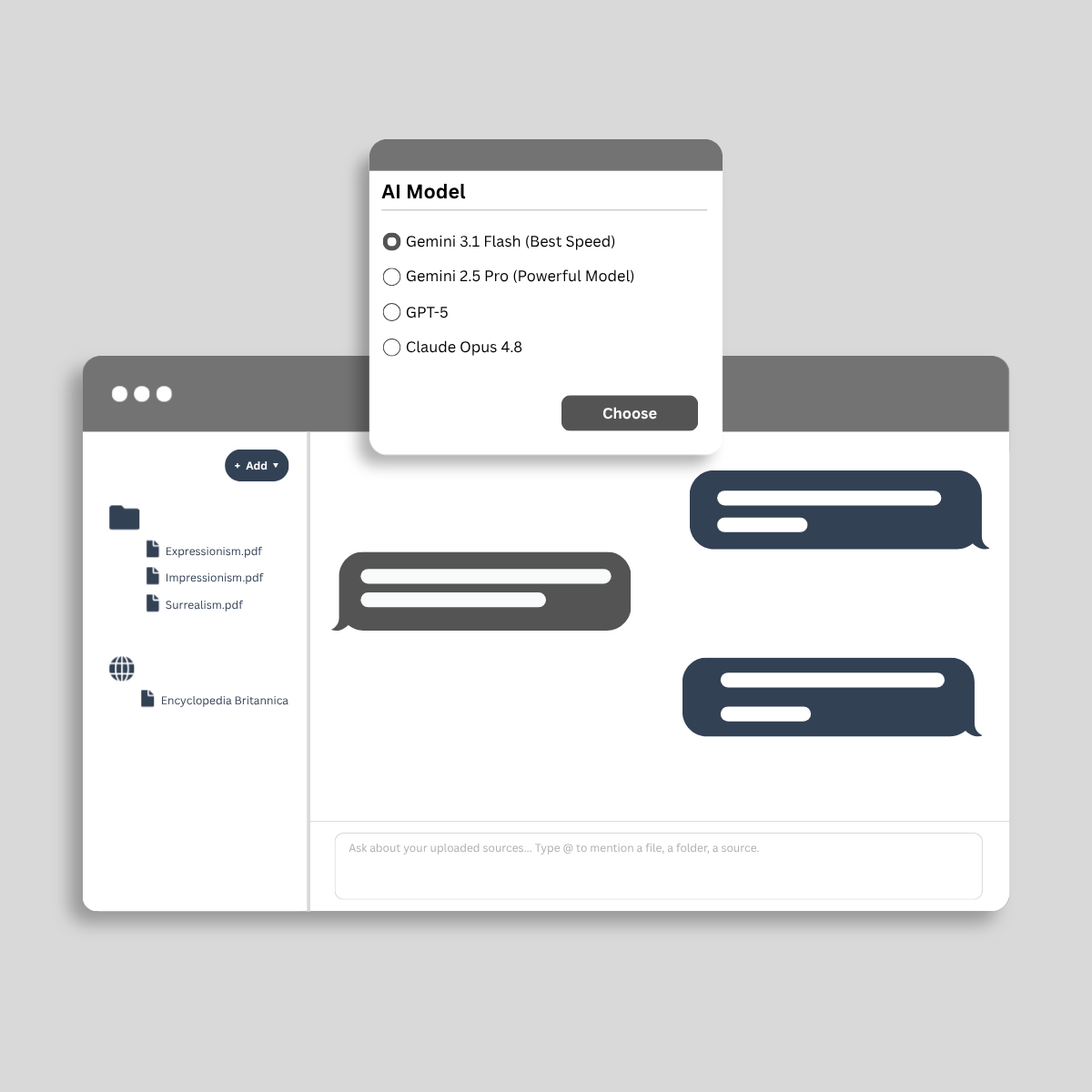
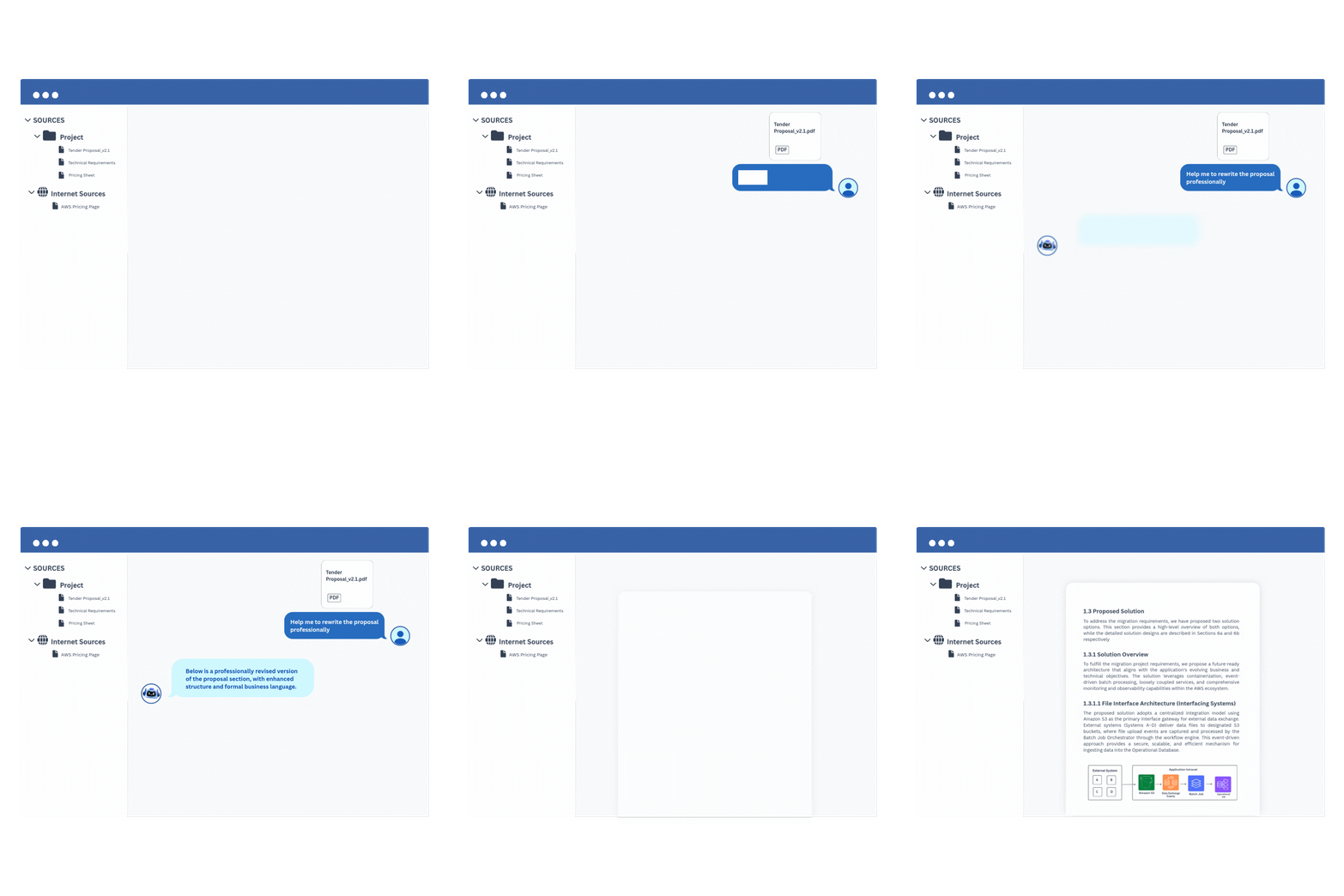
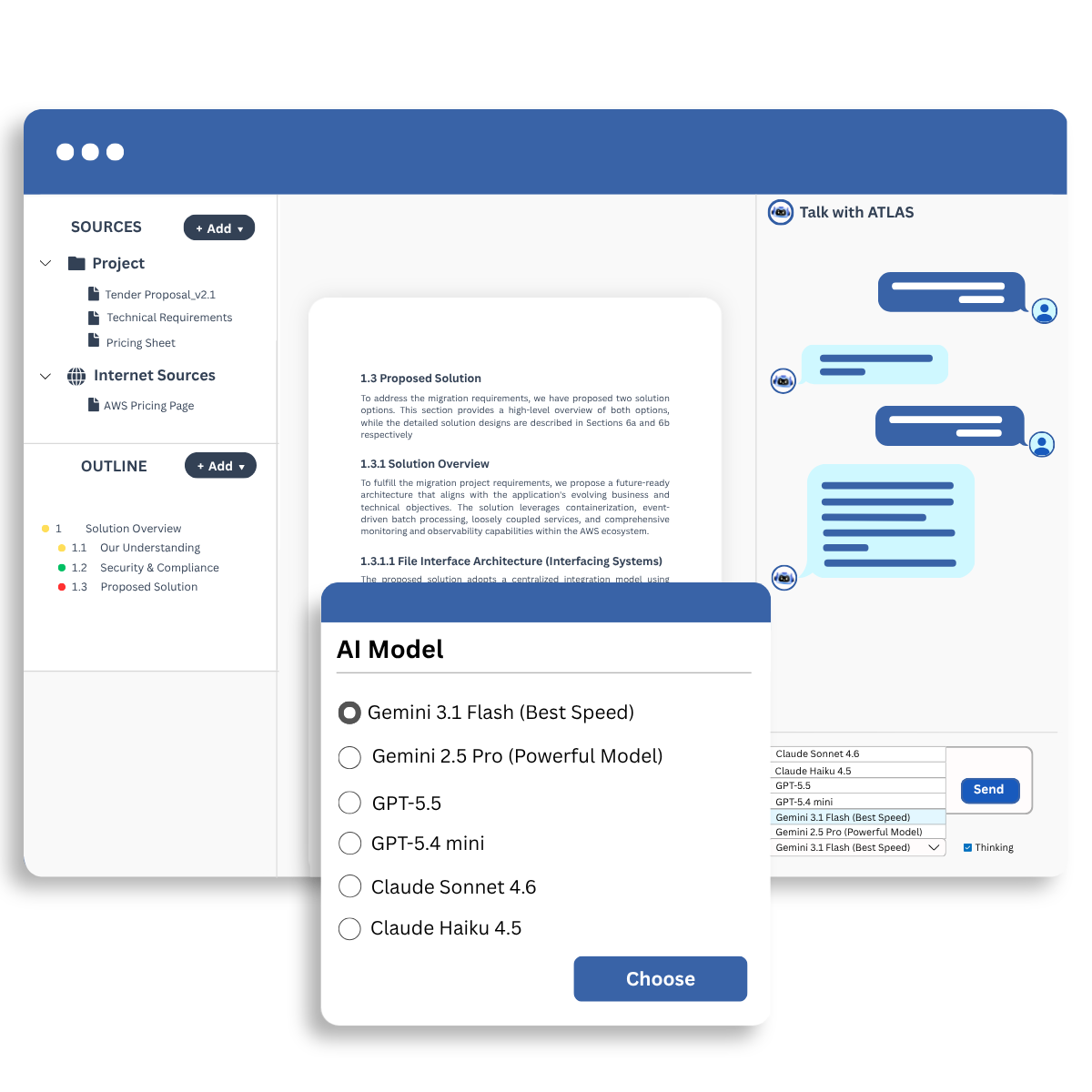
The AI Workspace allows you to upload documents and interact with them using AI.
You can:
This helps reduce manual document review and improves productivity.
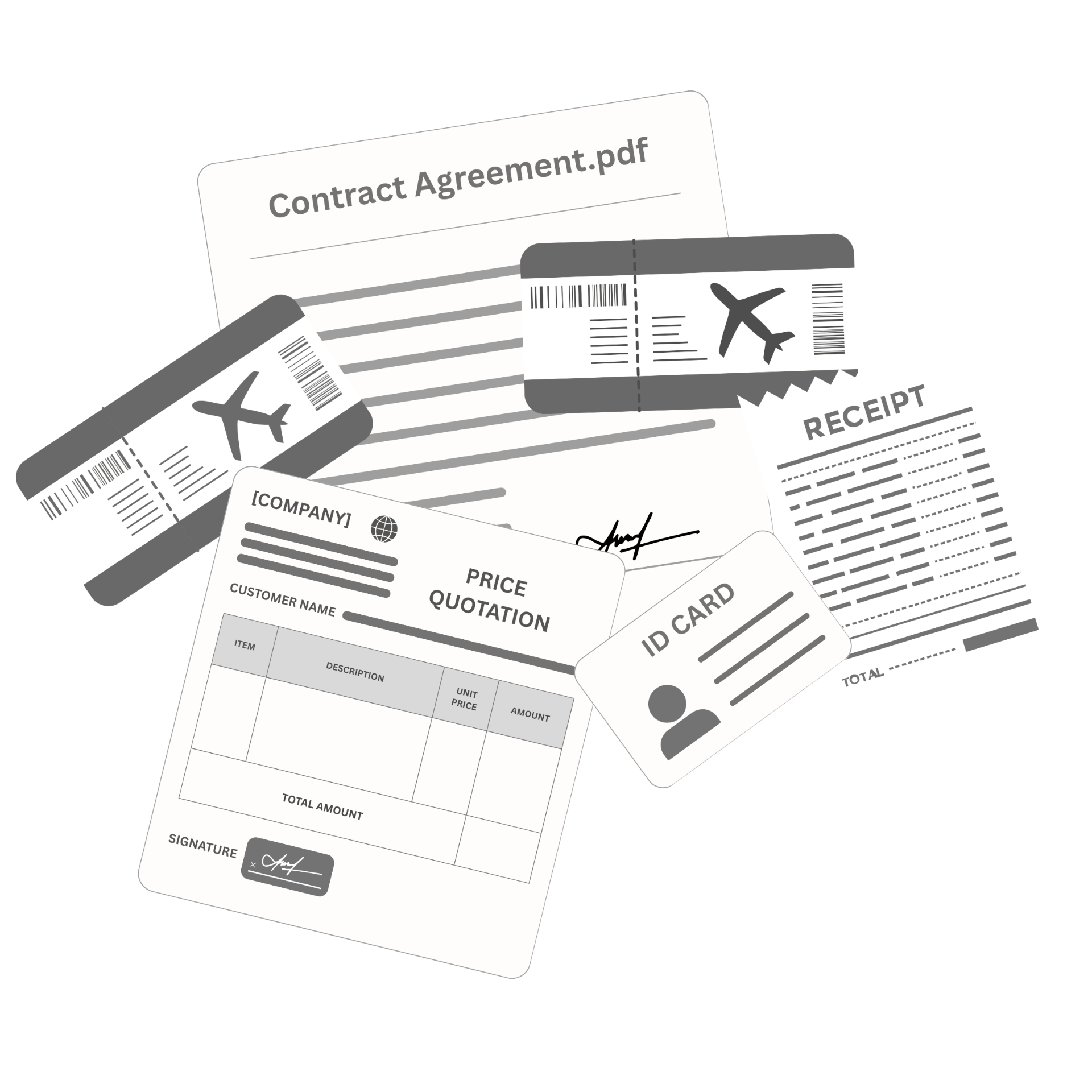
DocuAssist.AI can help organize and manage a wide range of documents, including:
Yes. DocuAssist.AI includes built-in PDF tools that allow you to:
These features help reduce the need for separate PDF software subscriptions.
DocuAssist.AI consolidates multiple document-related capabilities into a single platform.
Benefits include:
This helps lower operational costs while improving productivity.
Yes. DocuAssist.AI integrates with commonly used platforms such as:
These integrations help automate document collection and organization without constantly downloading and re-uploading files.
DocuAssist.AI includes multiple security and document protection features, including:
These features help protect confidential information and maintain control over document distribution.
Digital Rights Management (DRM) helps protect sensitive documents by controlling how they are accessed and used.
With DRM features, organizations can:
This is especially useful for contracts, financial records, and other sensitive business documents.
Yes. DocuAssist.AI allows you to create reusable prompt templates.
This helps standardize document reviews, improve consistency across teams, and reduce repetitive work when performing similar document-related tasks.
Unlike general-purpose AI platforms, DocuAssist.AI is specifically designed for document-centric workflows.
It combines:
All within a single platform designed to help users work with documents more efficiently.
不要只是听我们的话。
发现真实的专业人士如何通过