
If documents are central to your work, DocuAssist.AI helps you work smarter.
AI-Powered Document Management
DocuAssist.AI combines powerful PDF tools, intelligent document analysis, and document security in a single platform.

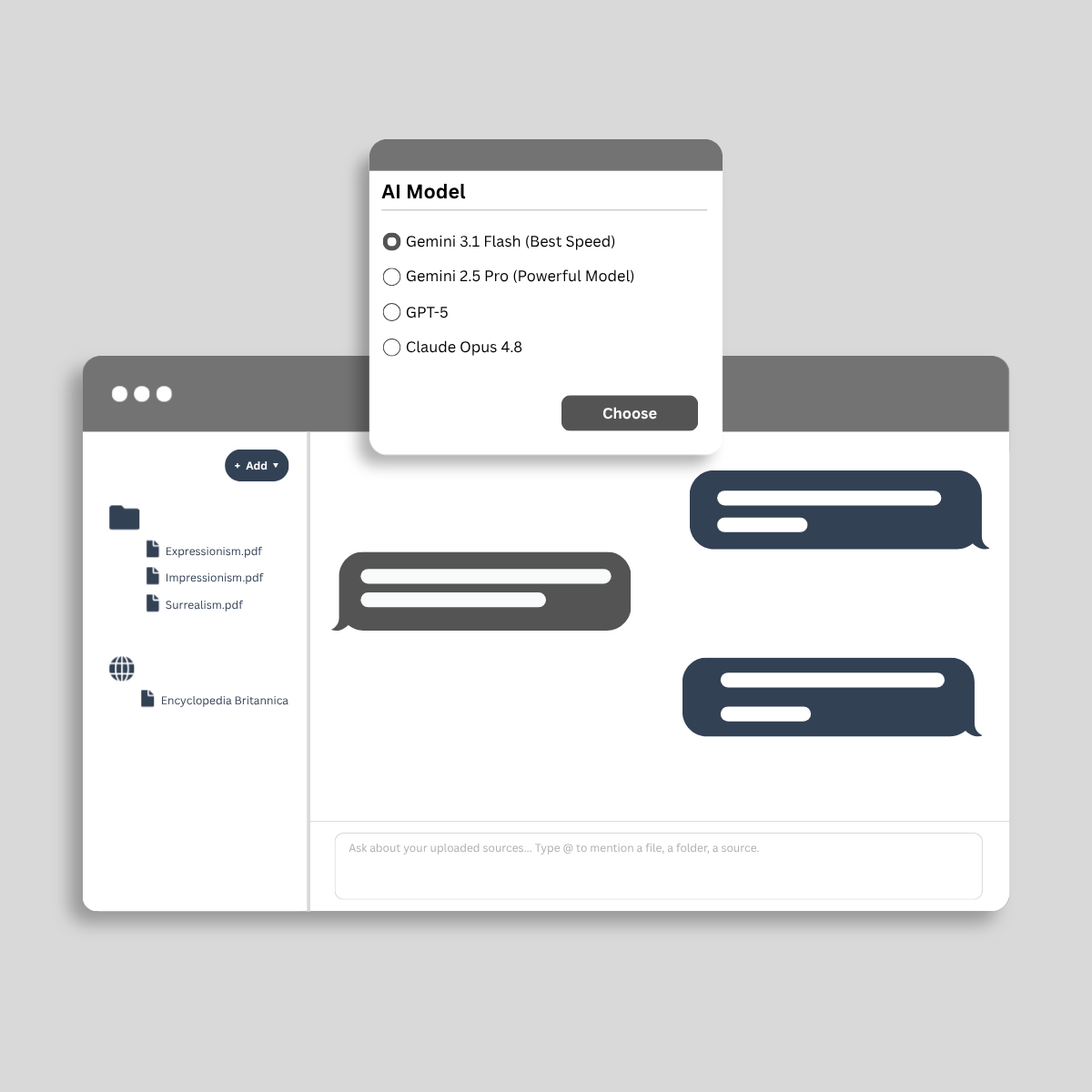
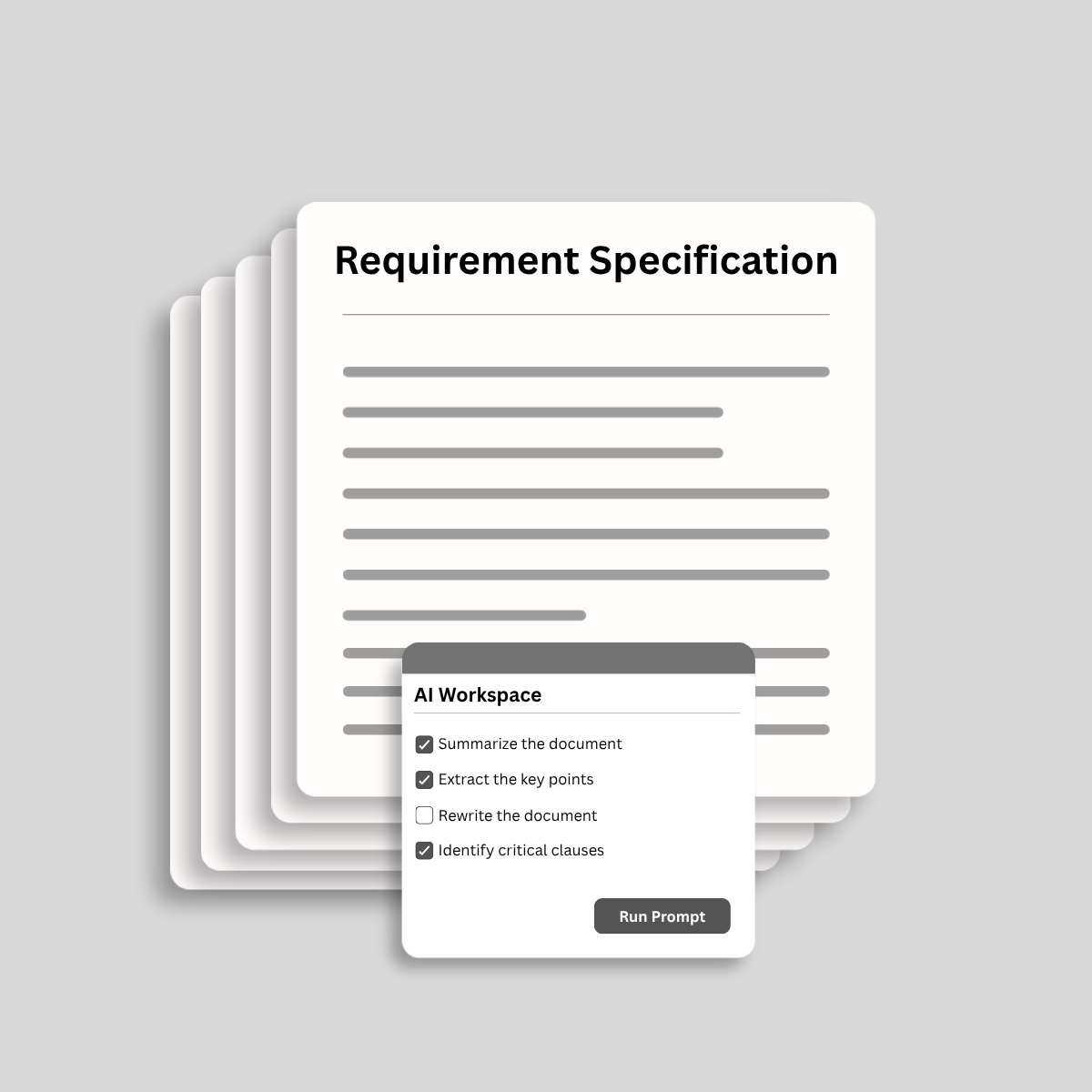
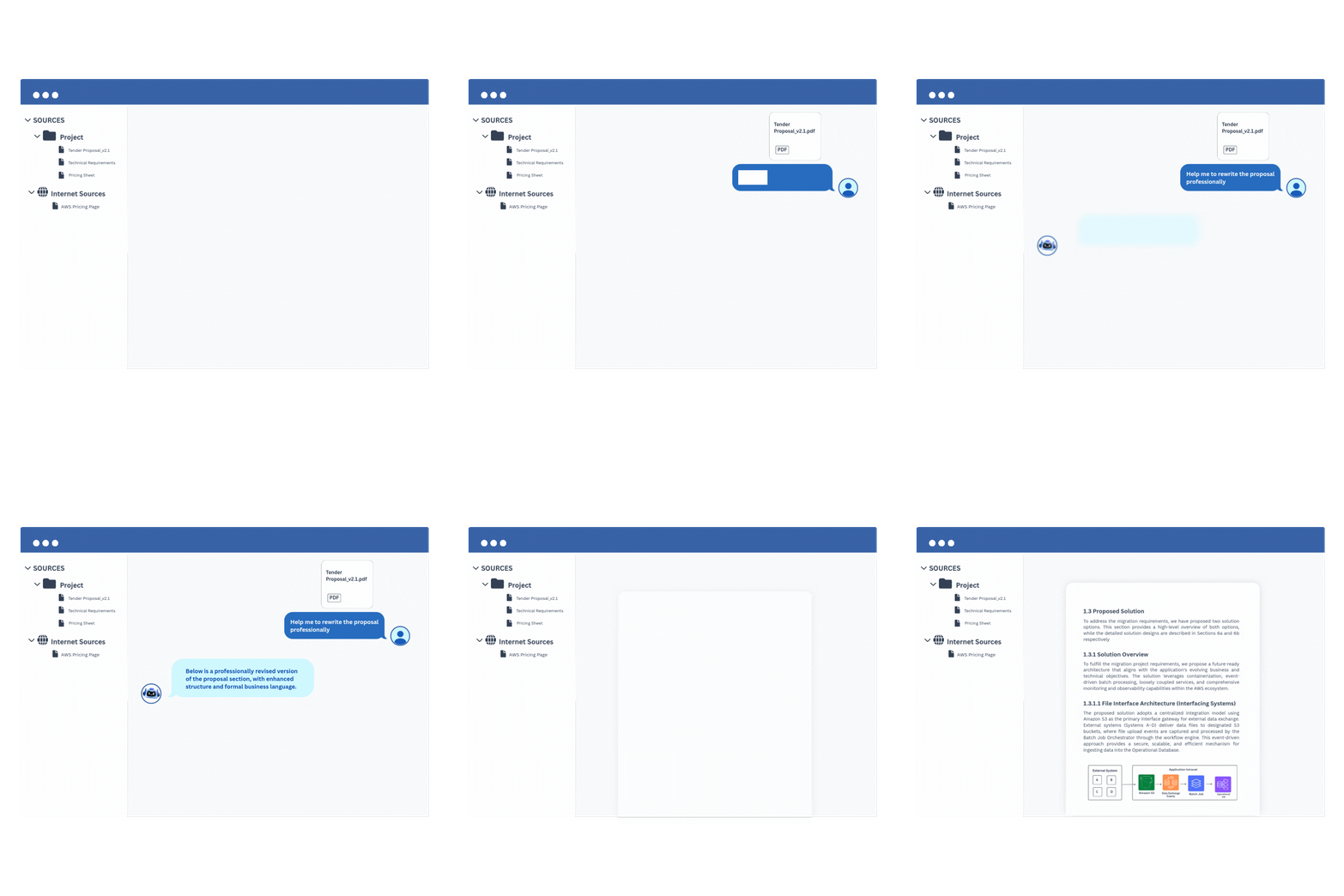
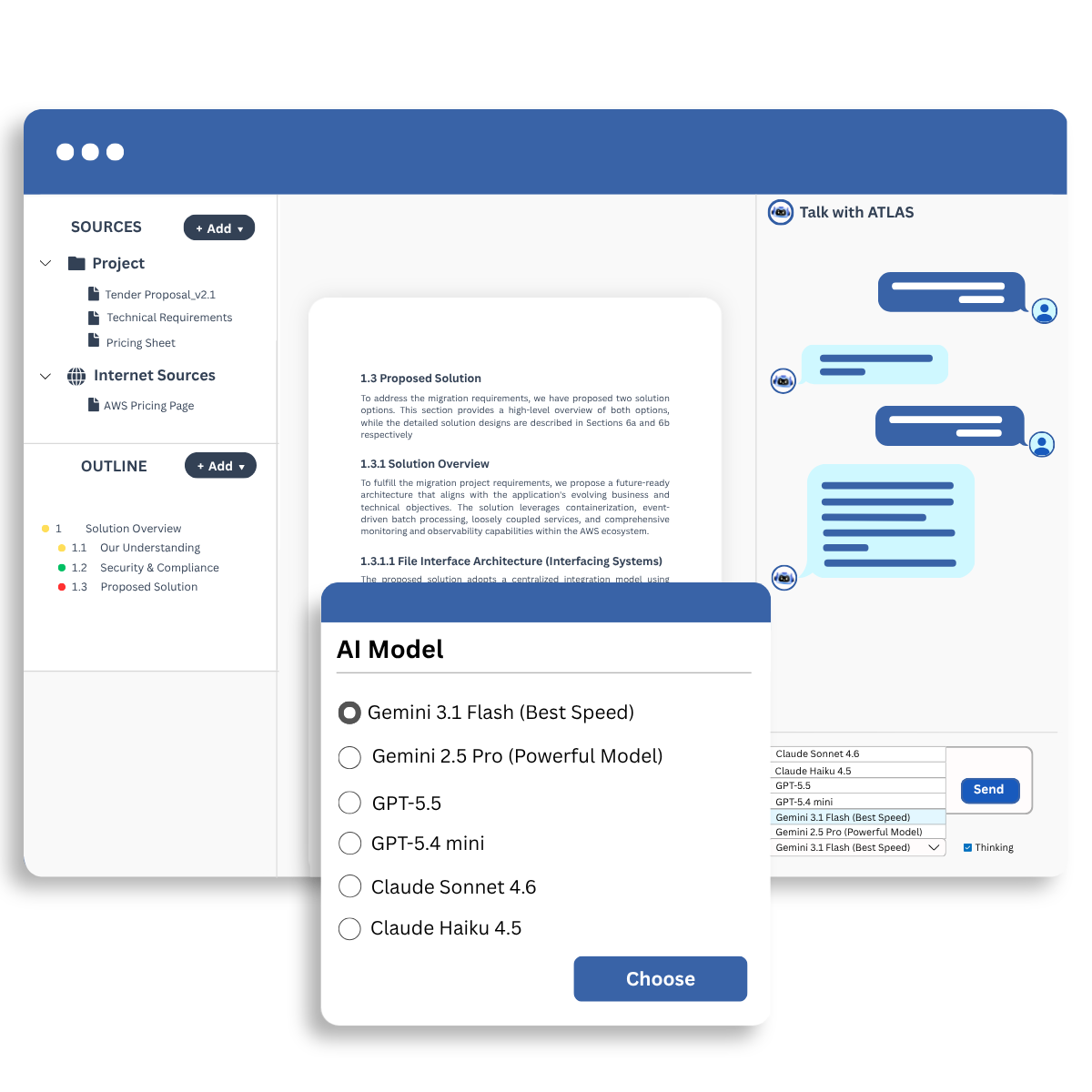
Analyze and process documents with AI.

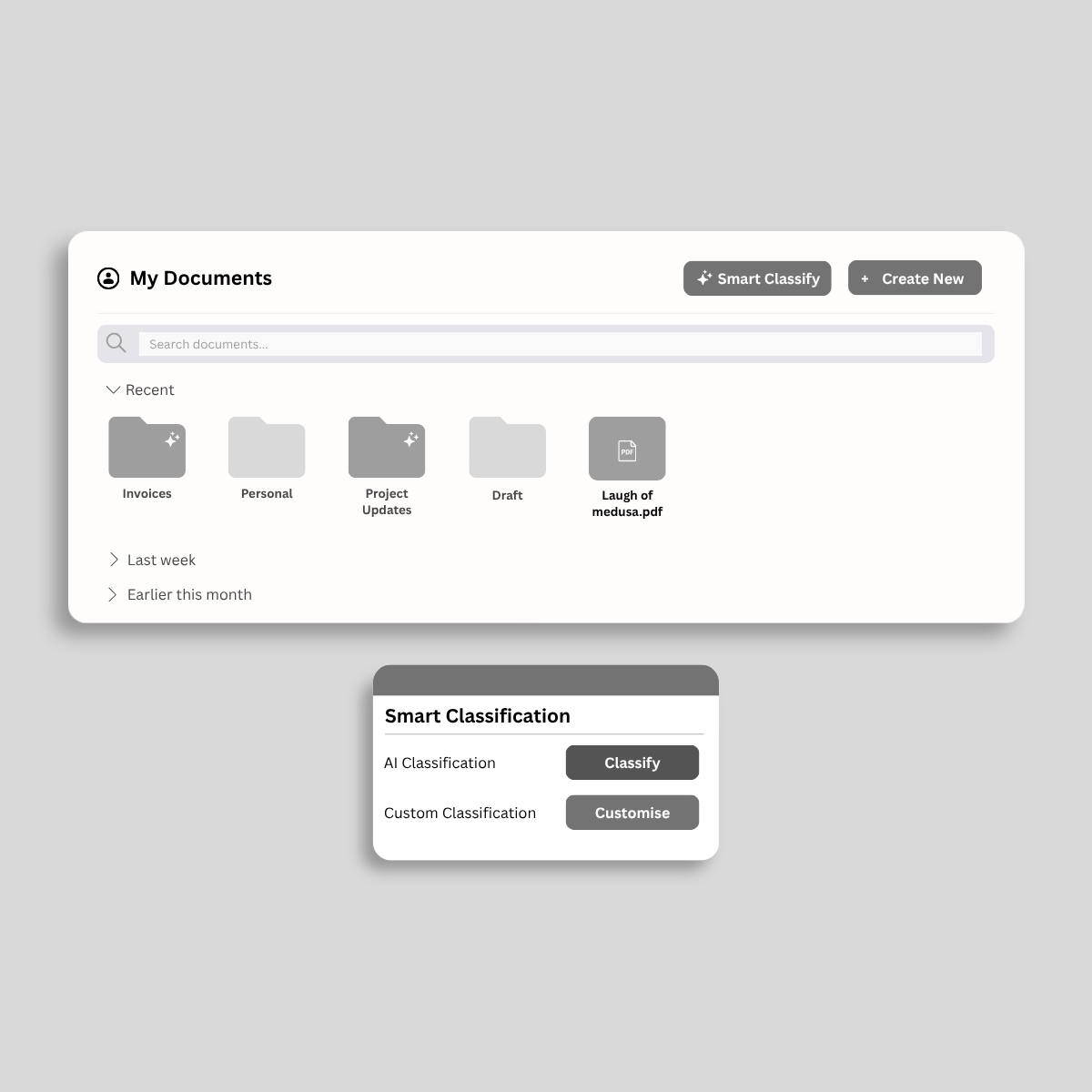
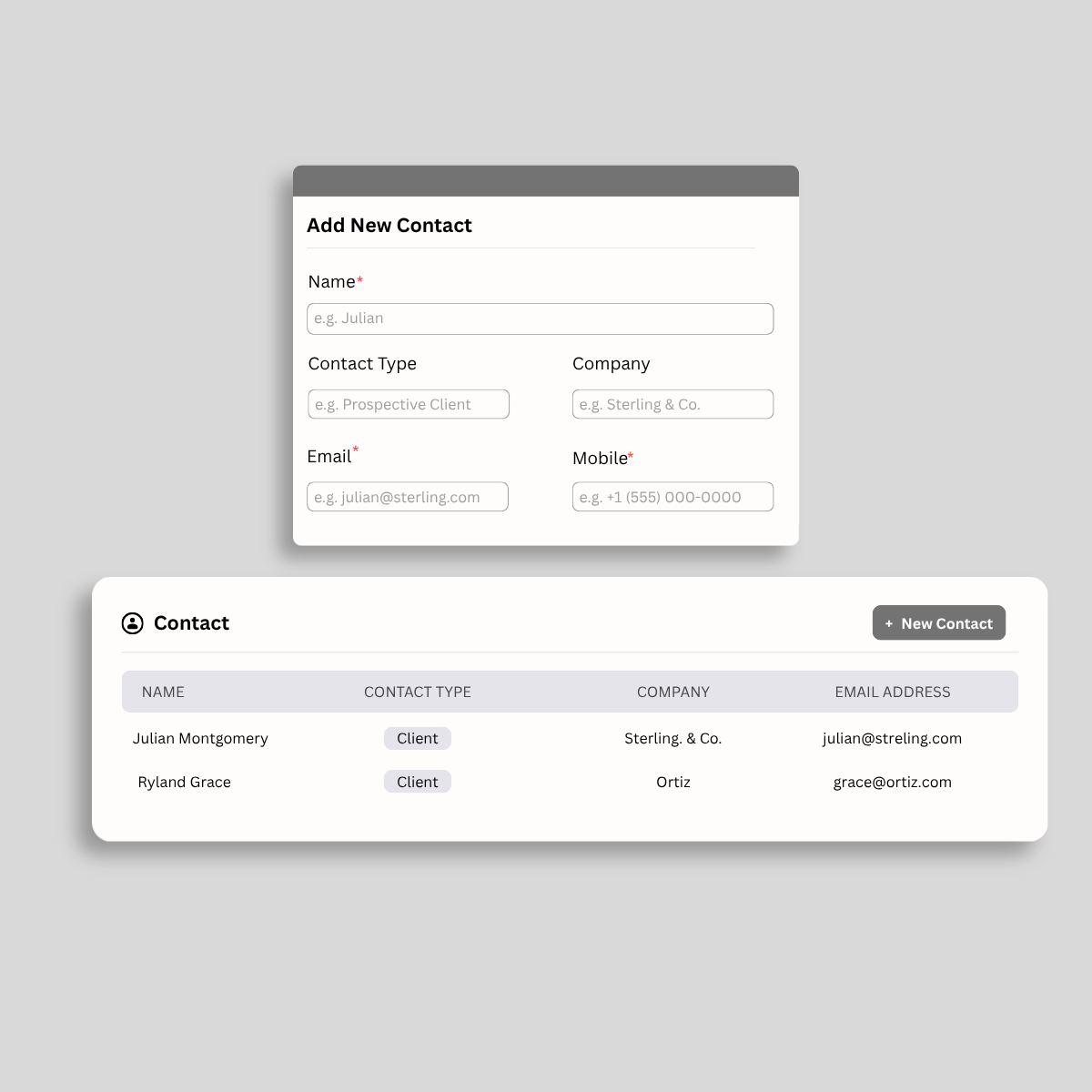
Organize, track, and manage important documents.

Reuse AI templates and conversations to save time.

Secure documents with DRM and access controls.
静的なファイルを動的なビジネス資産に変えます。クラウドでPDFを変更および管理する最速の方法を体験します。
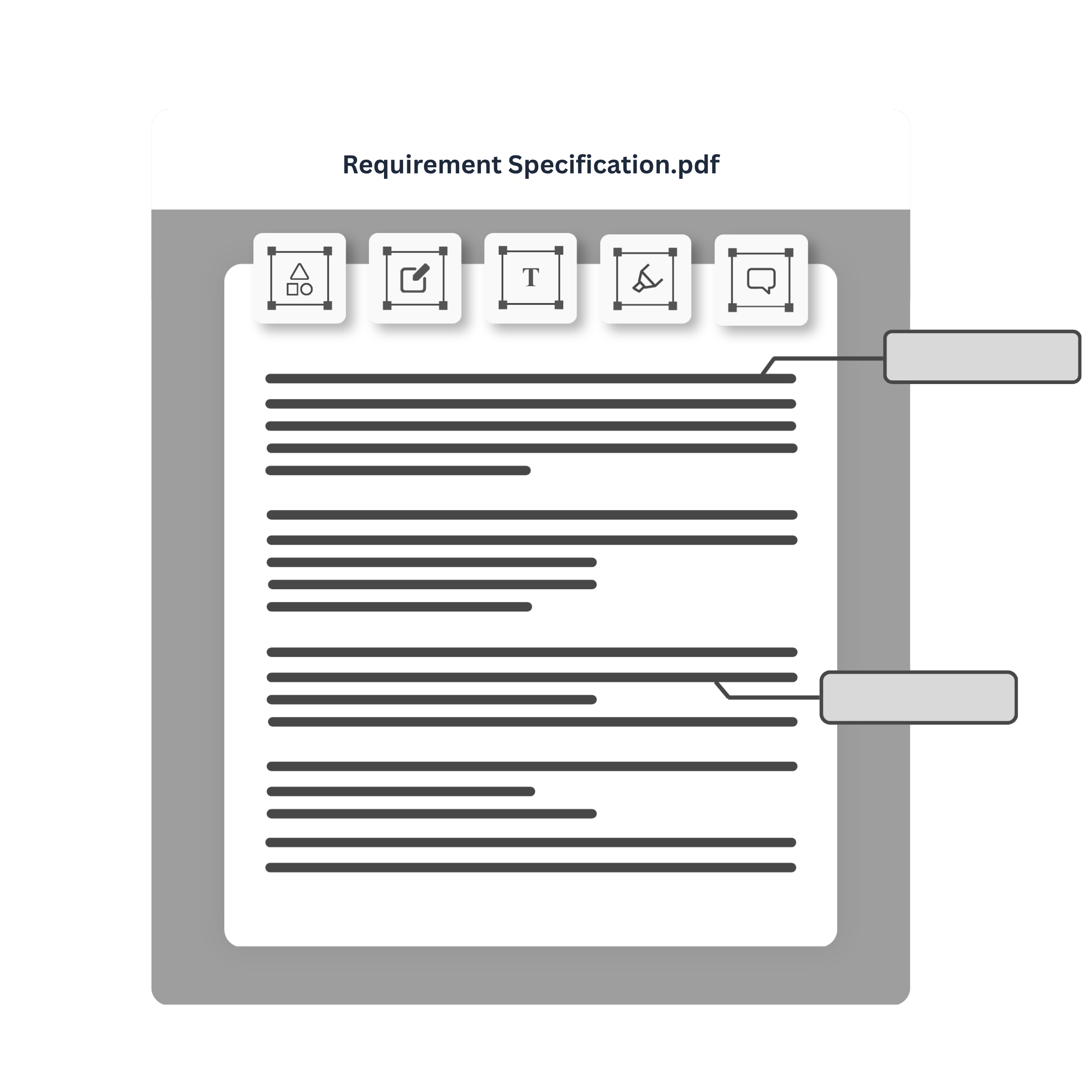
プラットフォームを離れることなく契約を締結します。スマートフォームを構築し、承認ルーティングを行い、安全なデジタル署名を瞬時に取得します。
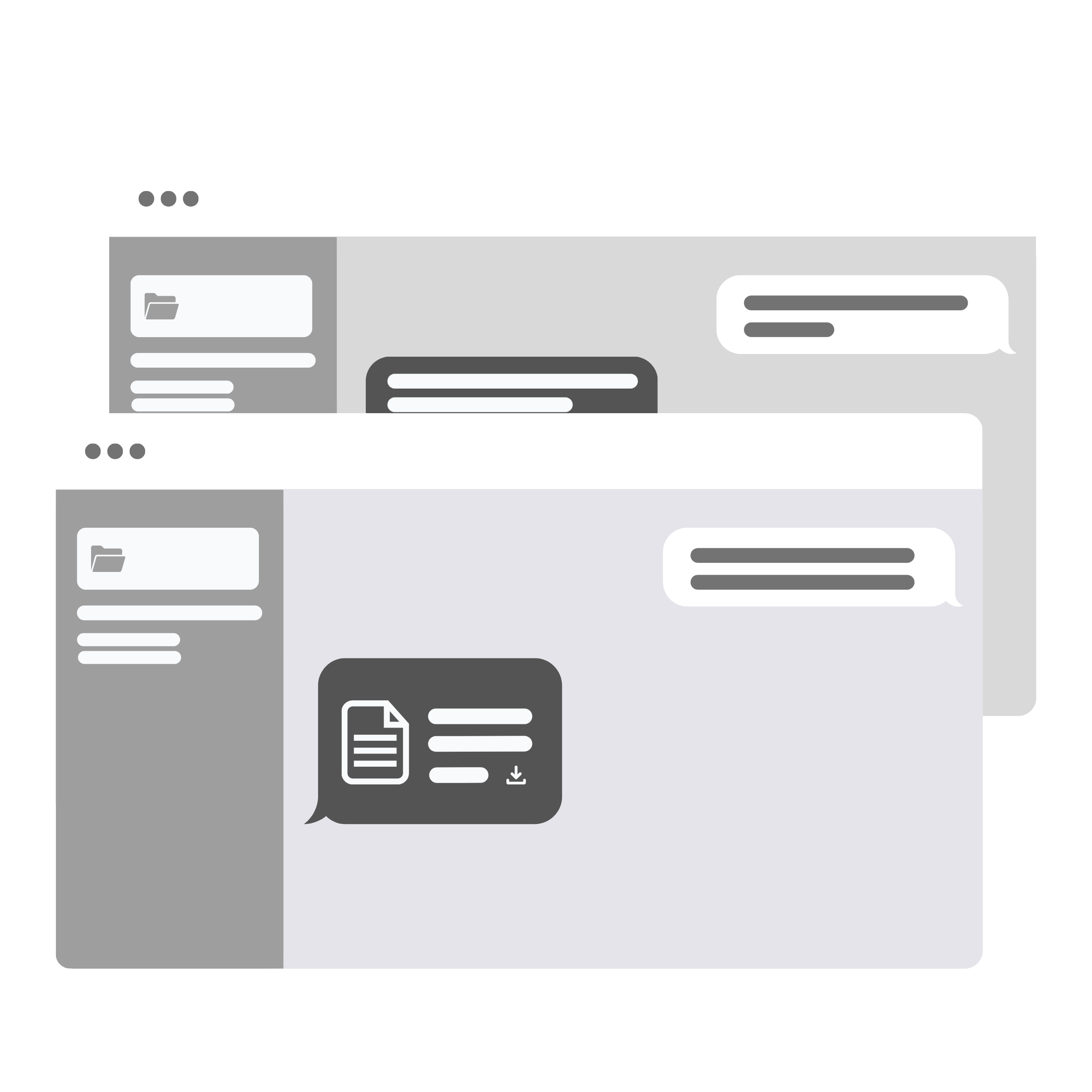
黒く塗るのを忘れ、またはクリーンにします。メタデータを不視化するために、唯一の法医学レベルの解除を使用します。
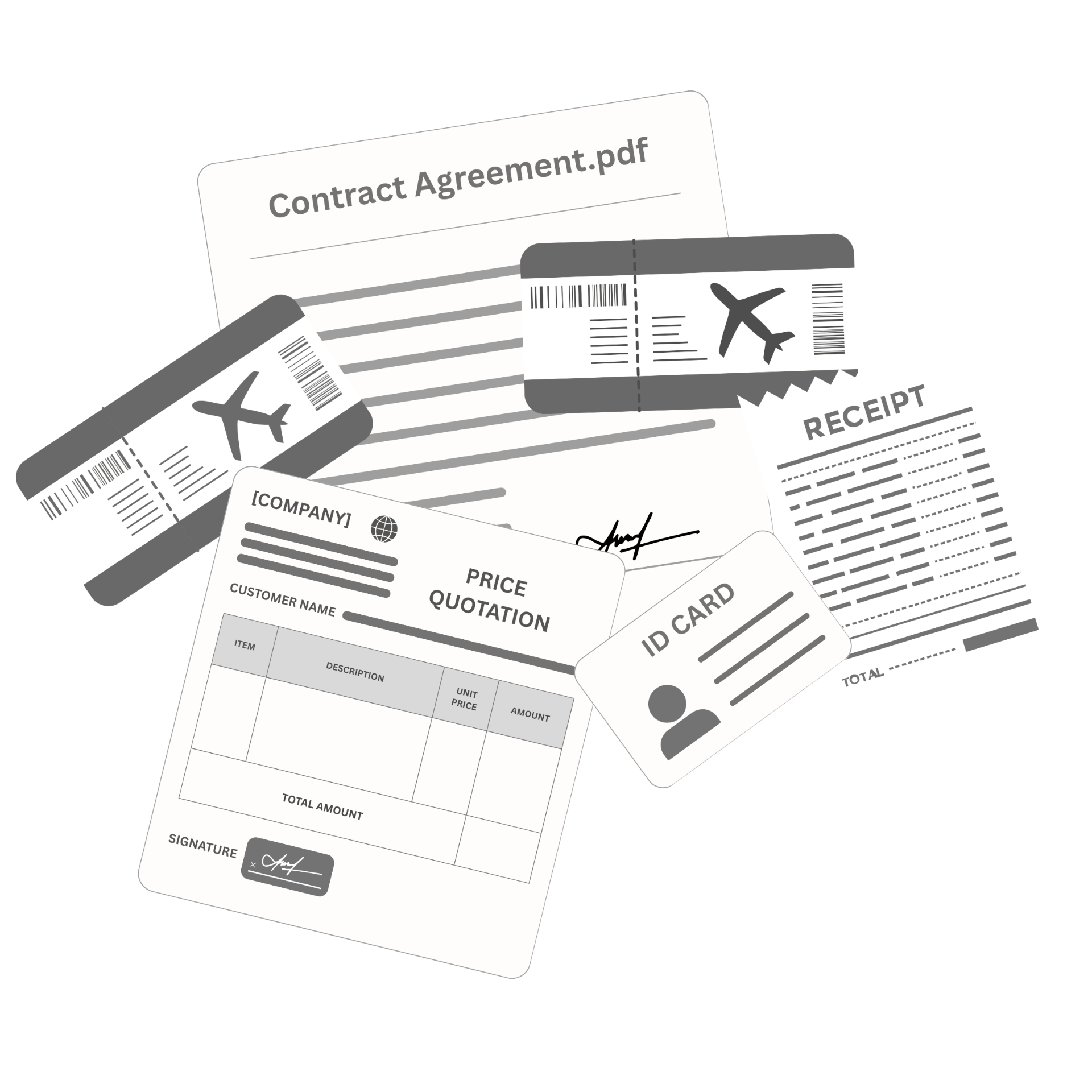
ビジョンを軍事グレードの暗号化、ウォーターマーク、コピーの制御を持つ暗号化保管庫にロックします。


Access and import documents from the platforms you use every day. DocuAssist.AI integrates with OneDrive and SharePoint today, with Google Drive and Gmail coming soon.
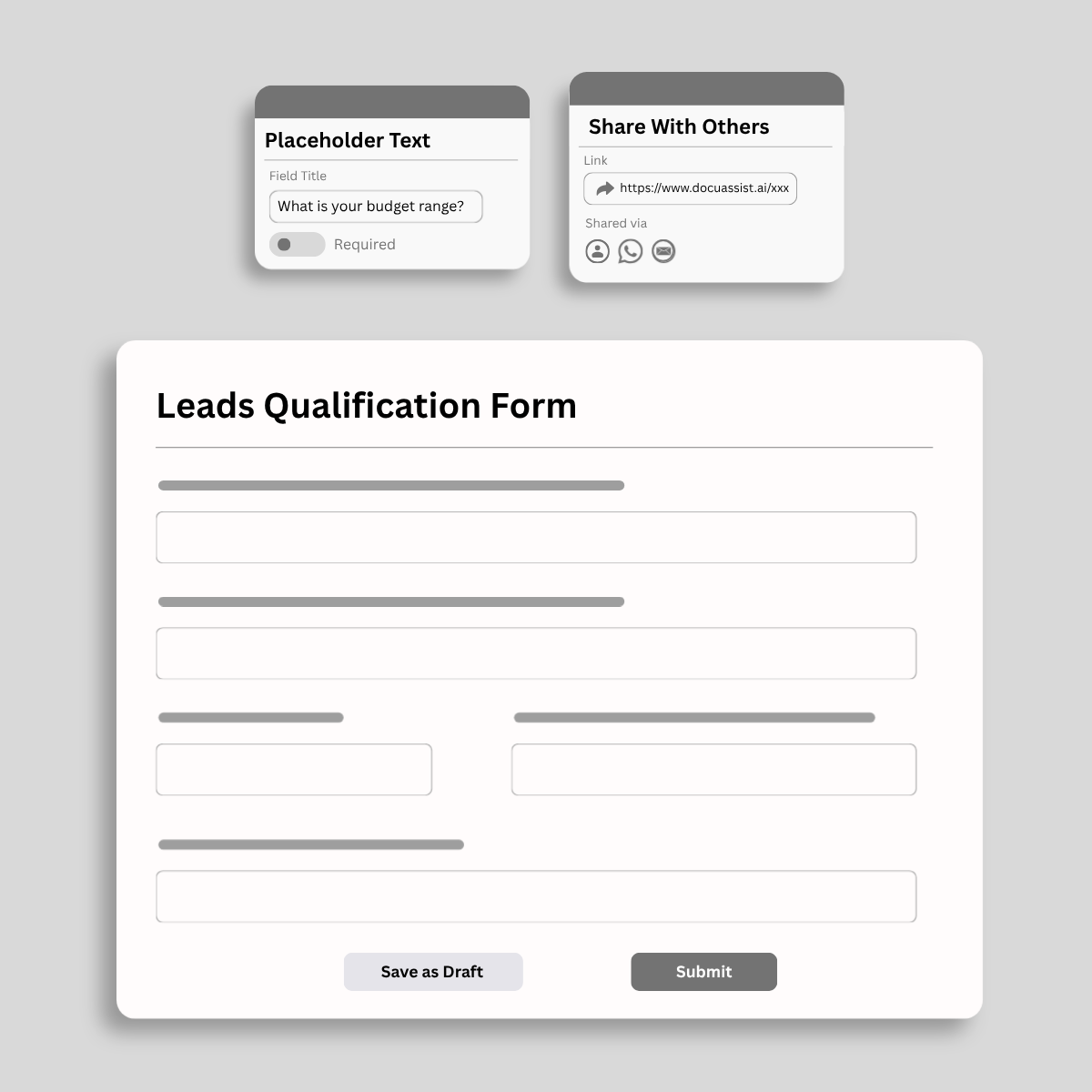
Centralize your documents, streamline workflows, and share signature requests instantly via WhatsApp—all from a single AI-powered workspace.
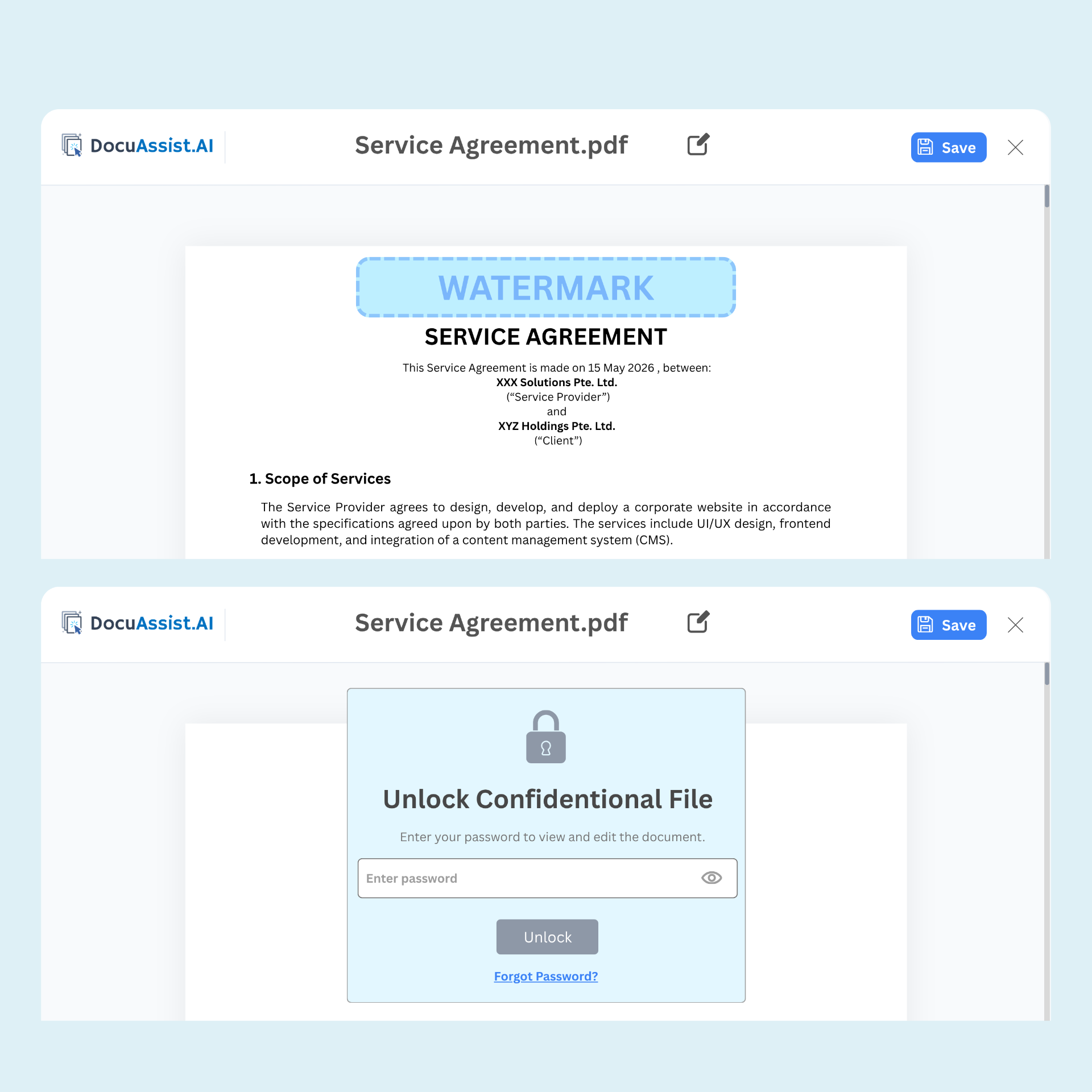
Secure sensitive documents with Digital Rights Management (DRM). Control access, prevent unauthorized sharing, and maintain visibility into how your documents are used—even after they've been distributed.

Secure document sharing

Dynamic watermarking

Copy and print restrictions

Access monitoring and tracking
私たちのセキュアなドキュメントプラットフォーム、予定されている機能、早期アクセスについて知りたいすべて
DocuAssist.AI is an AI-powered document management and processing platform that helps individuals and businesses manage, analyze, secure, and collaborate on documents more efficiently.
It combines AI document intelligence, PDF tools, document storage, and digital rights management (DRM) features in a single platform.
The AI Workspace allows you to upload documents and interact with them using AI.
You can:
This helps reduce manual document review and improves productivity.
DocuAssist.AI can help organize and manage a wide range of documents, including:
Yes. DocuAssist.AI includes built-in PDF tools that allow you to:
These features help reduce the need for separate PDF software subscriptions.
DocuAssist.AI consolidates multiple document-related capabilities into a single platform.
Benefits include:
This helps lower operational costs while improving productivity.
Yes. DocuAssist.AI integrates with commonly used platforms such as:
These integrations help automate document collection and organization without constantly downloading and re-uploading files.
DocuAssist.AI includes multiple security and document protection features, including:
These features help protect confidential information and maintain control over document distribution.
Digital Rights Management (DRM) helps protect sensitive documents by controlling how they are accessed and used.
With DRM features, organizations can:
This is especially useful for contracts, financial records, and other sensitive business documents.
Yes. DocuAssist.AI allows you to create reusable prompt templates.
This helps standardize document reviews, improve consistency across teams, and reduce repetitive work when performing similar document-related tasks.
Unlike general-purpose AI platforms, DocuAssist.AI is specifically designed for document-centric workflows.
It combines:
All within a single platform designed to help users work with documents more efficiently.
私たちの言葉を信じるだけでなく、
実際のプロフェッショナルがDocuAssistを使用して時間を取り戻している方法を発見してみてください