
If documents are central to your work, DocuAssist.AI helps you work smarter.
AI-Powered Document Management
DocuAssist.AI combines powerful PDF tools, intelligent document analysis, and document security in a single platform.

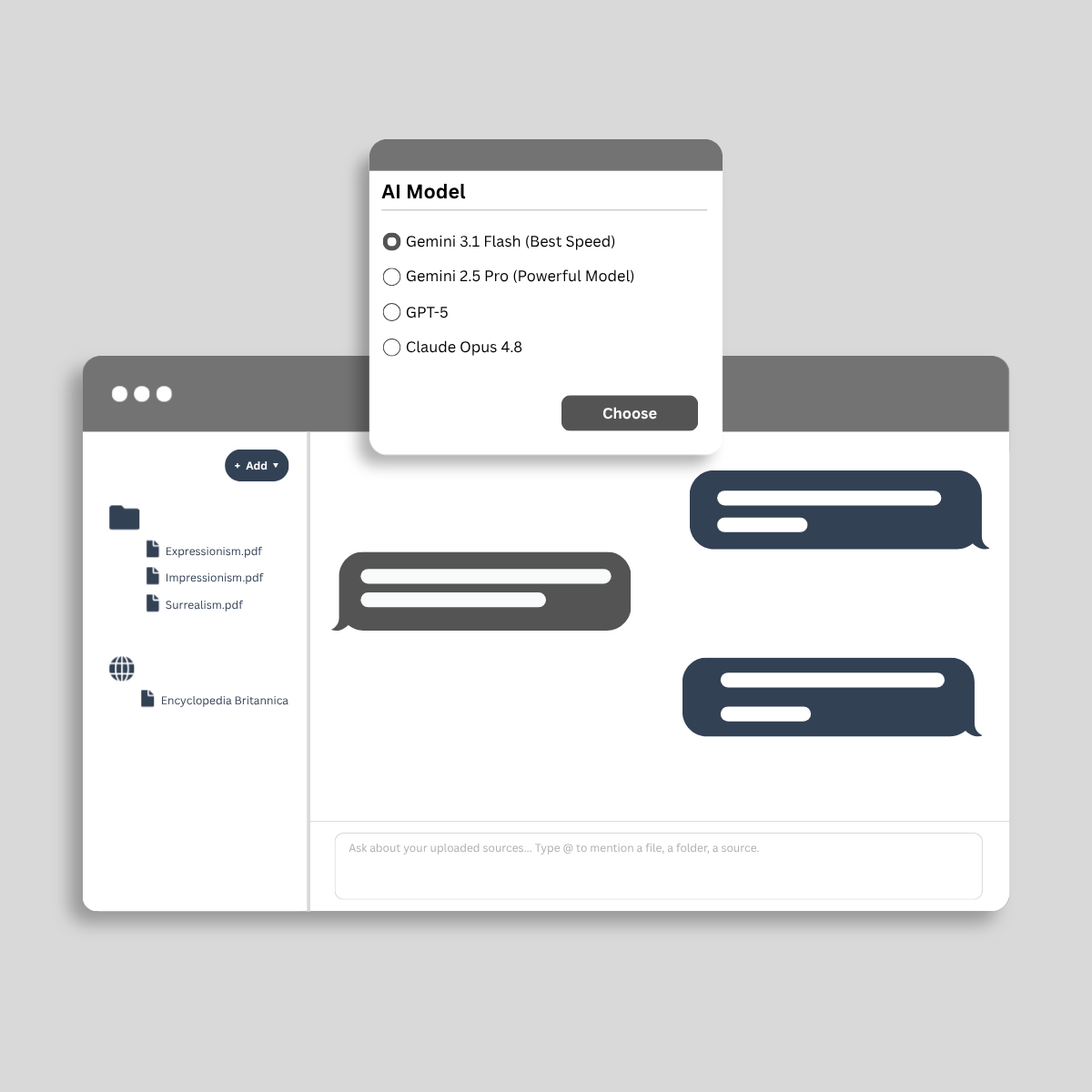
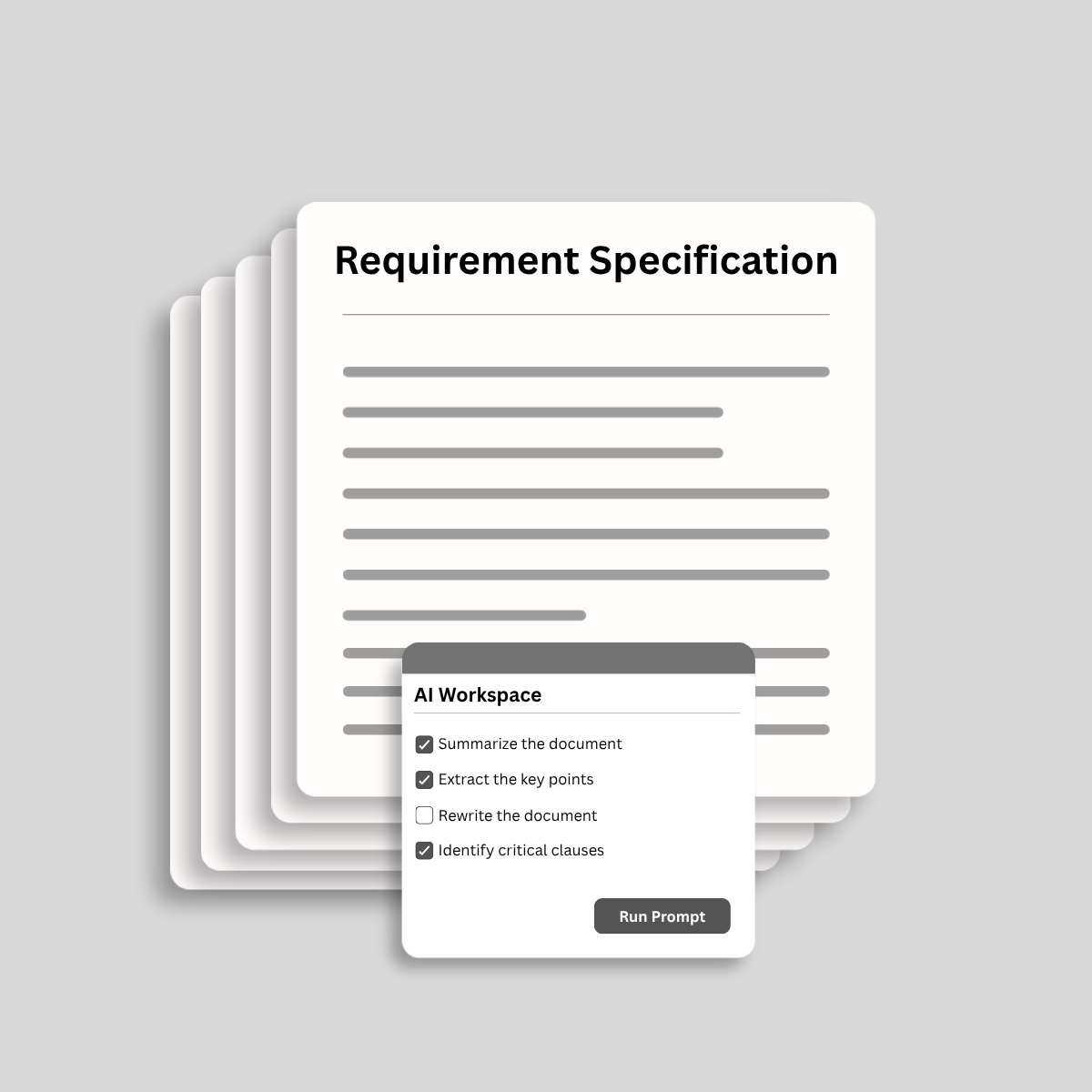
Analyze and process documents with AI.

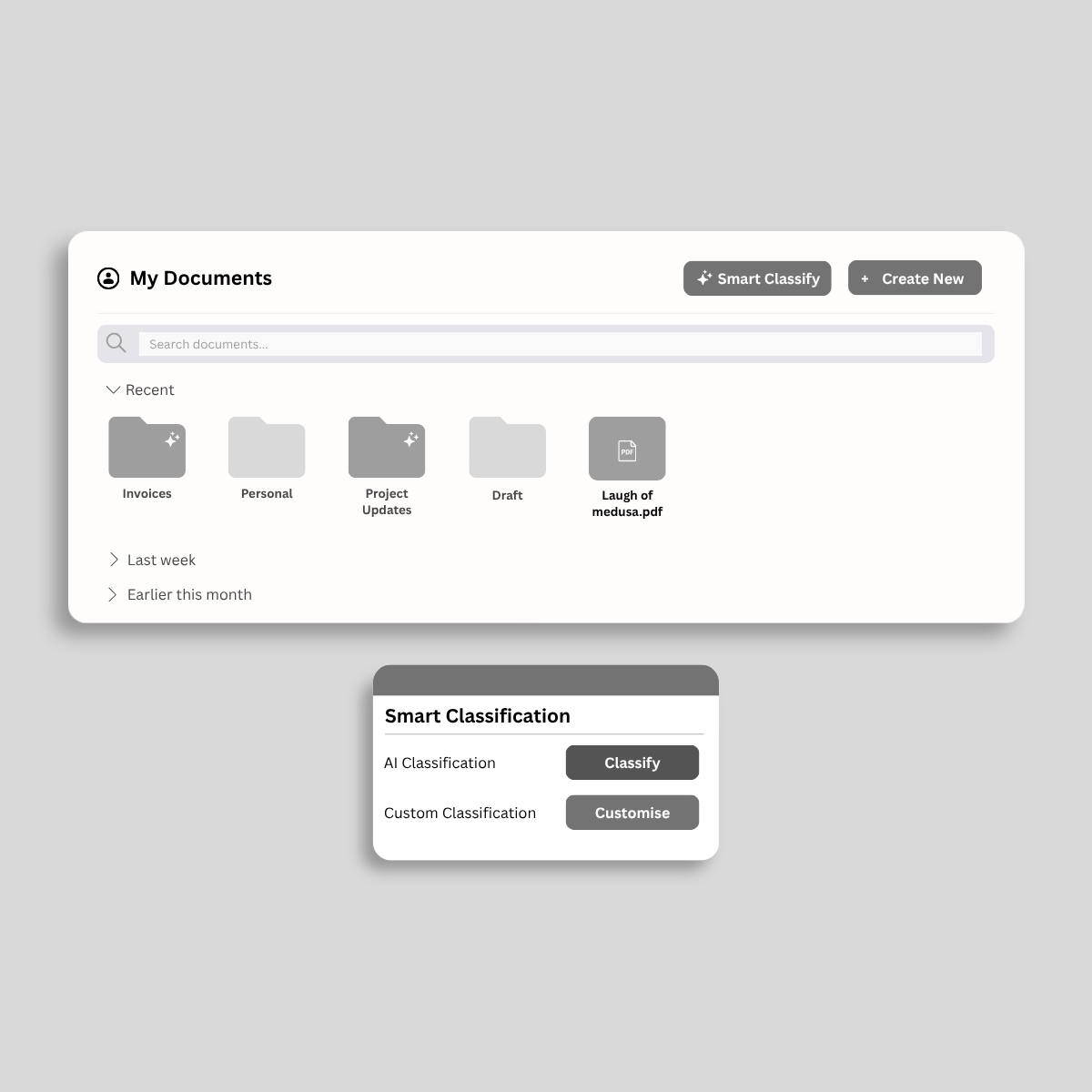
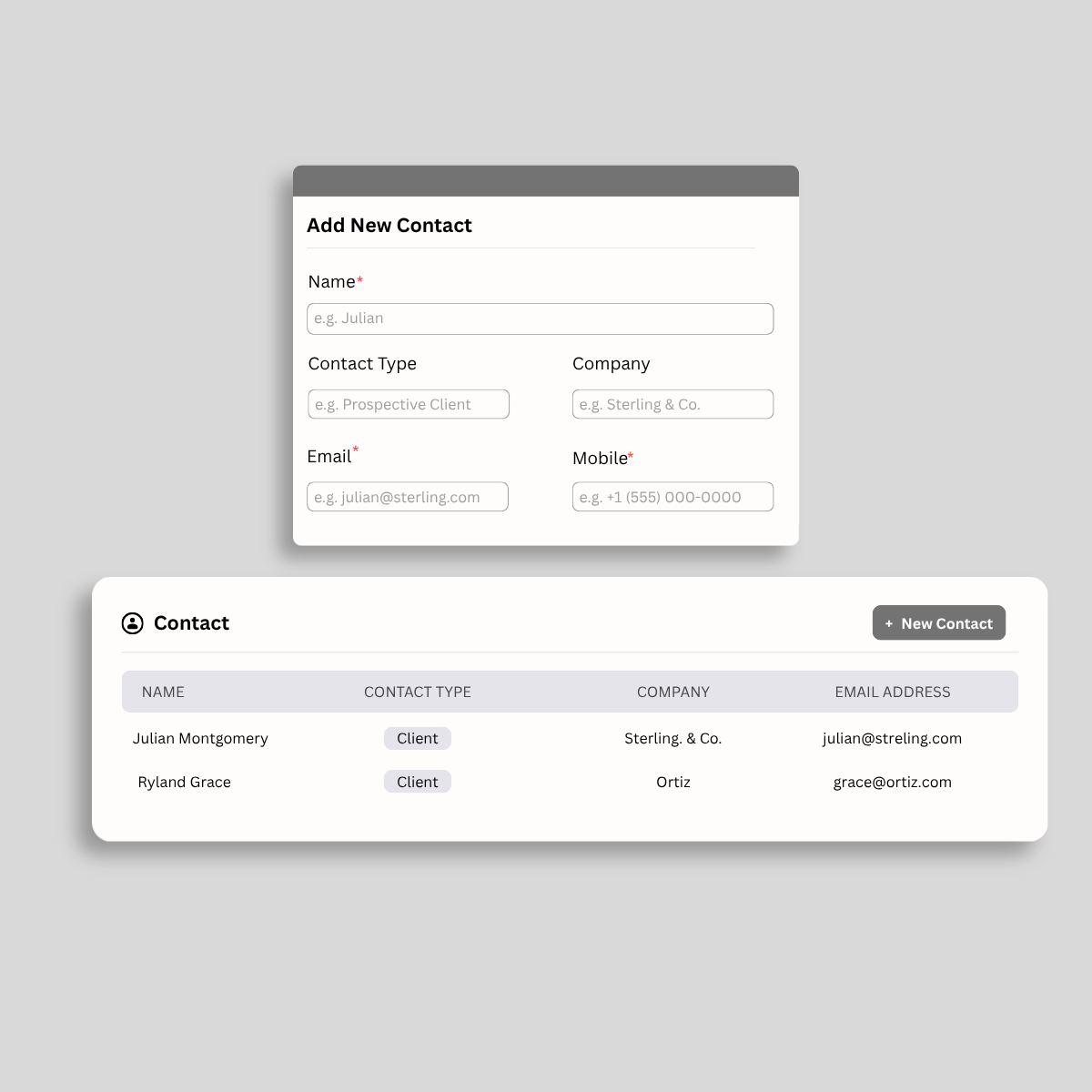
Organize, track, and manage important documents.

Reuse AI templates and conversations to save time.

Secure documents with DRM and access controls.
정적인 파일을 동적인 비즈니스 자산으로 전환하세요. 클라우드에서 PDF를 수정하고 관리하는 가장 빠른 방법을 경험하세요.
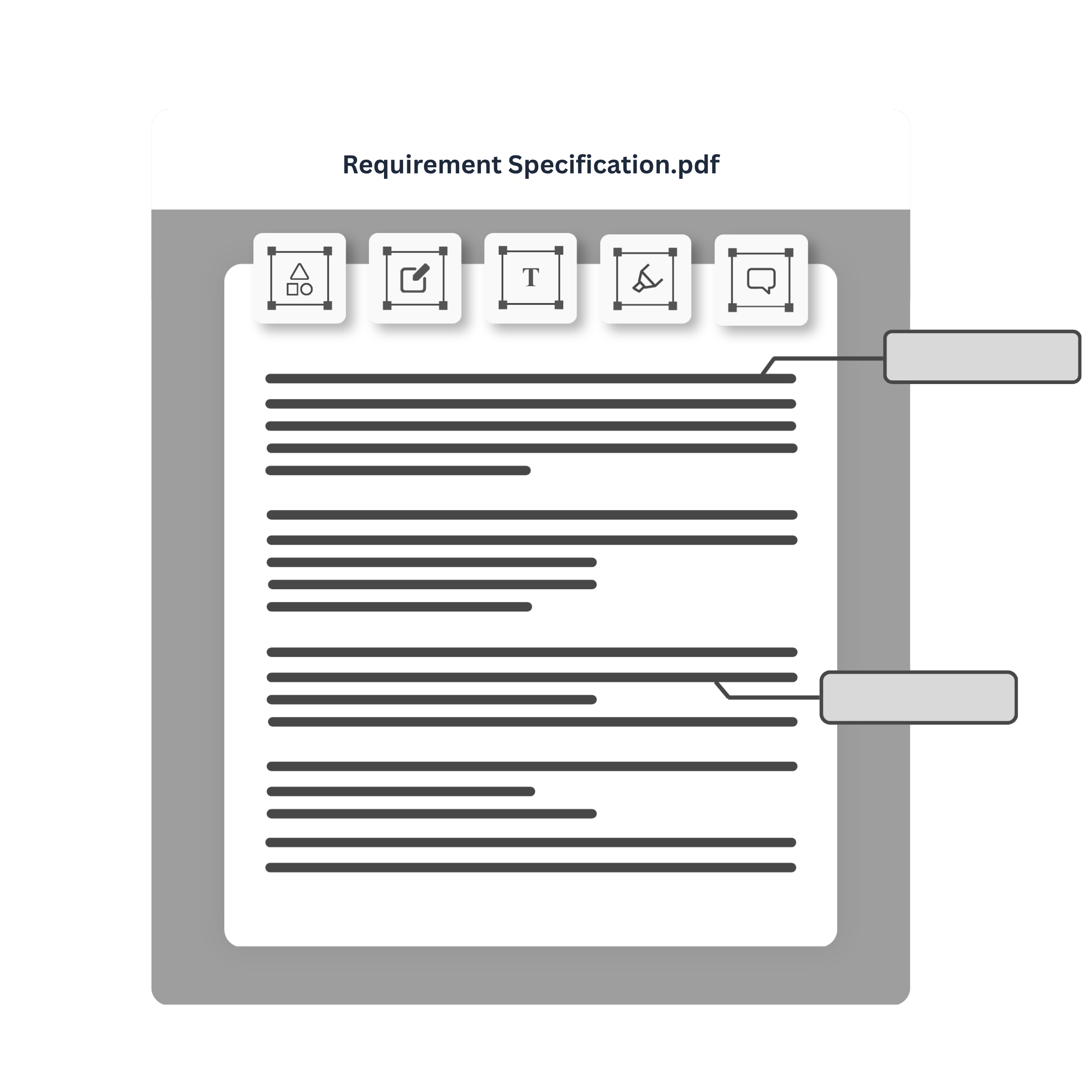
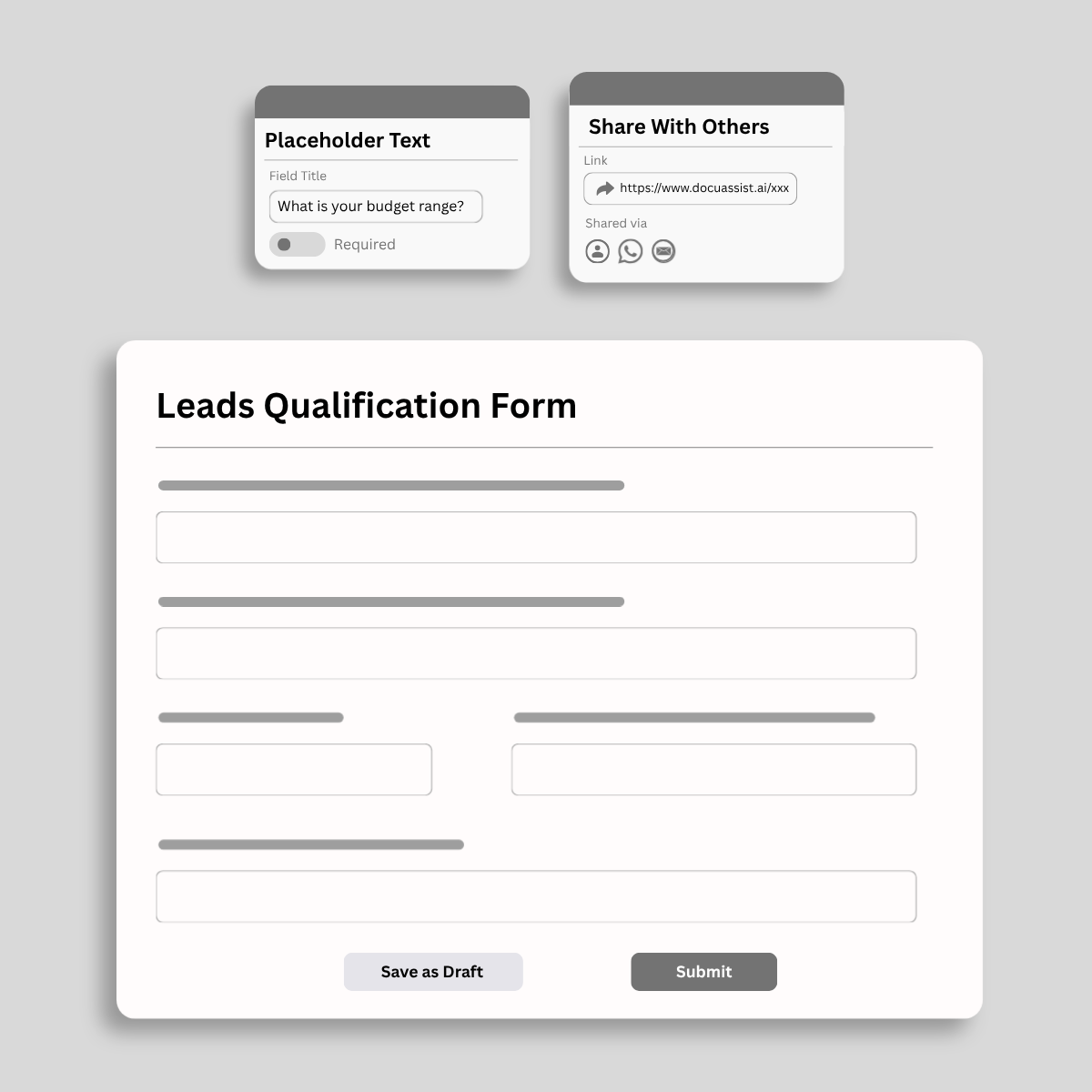
플랫폼을 떠나지 않고 거래를 마무리하세요. 스마트 양식을 작성하고, 승인 라우팅하고, 안전한 디지털 서명을 즉시 캡처하세요.
포렌식 수준의 деклассифика이션을 사용하여 메타데이터를 숨기는 대신 메타데이터를 보이지 않게 만듭니다.
군사级 암호화, 워터마크 및 복사-붙여넣기 제어를 사용하여 비전을 암호학적 보관소에 잠그세요.


Access and import documents from the platforms you use every day. DocuAssist.AI integrates with OneDrive and SharePoint today, with Google Drive and Gmail coming soon.
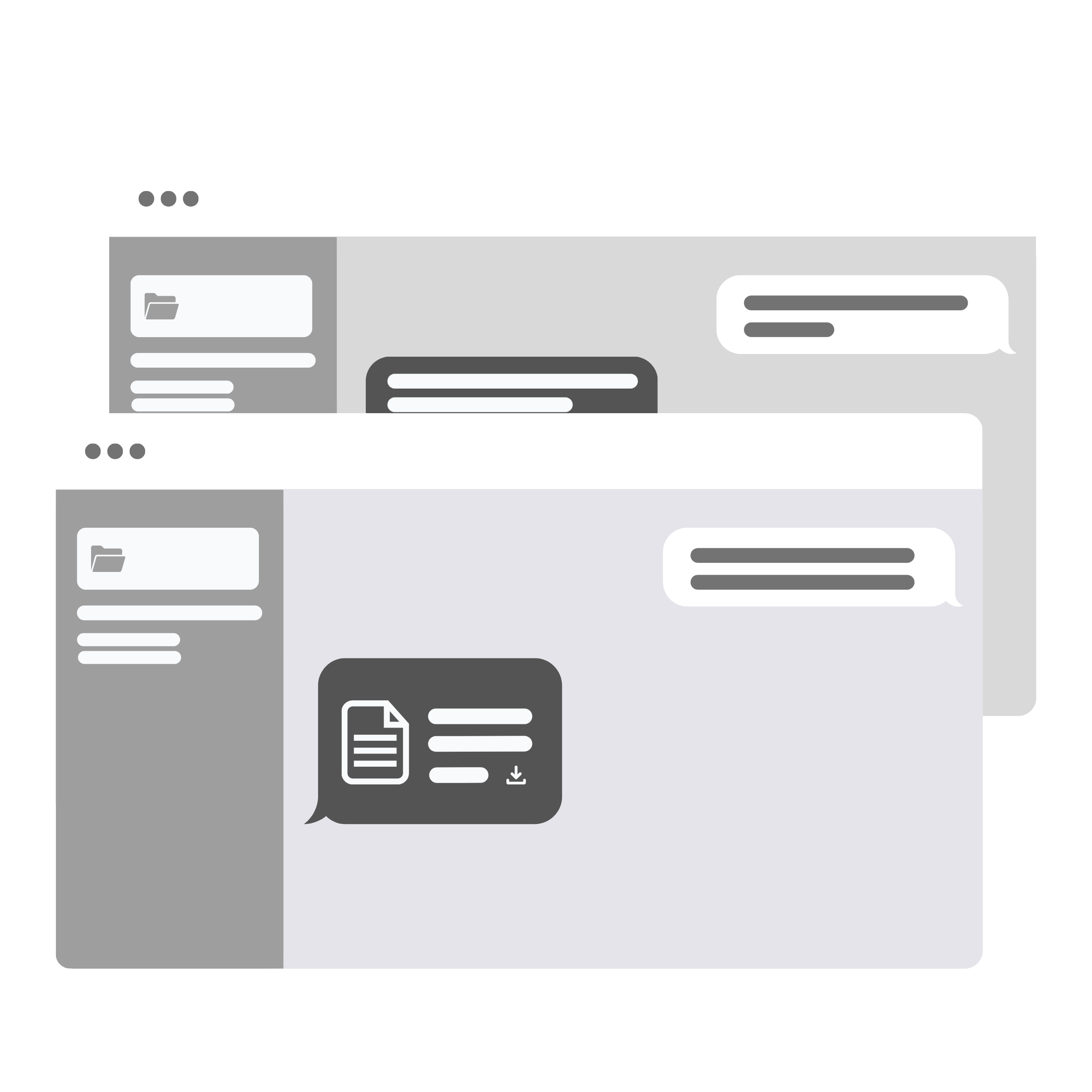
Centralize your documents, streamline workflows, and share signature requests instantly via WhatsApp—all from a single AI-powered workspace.
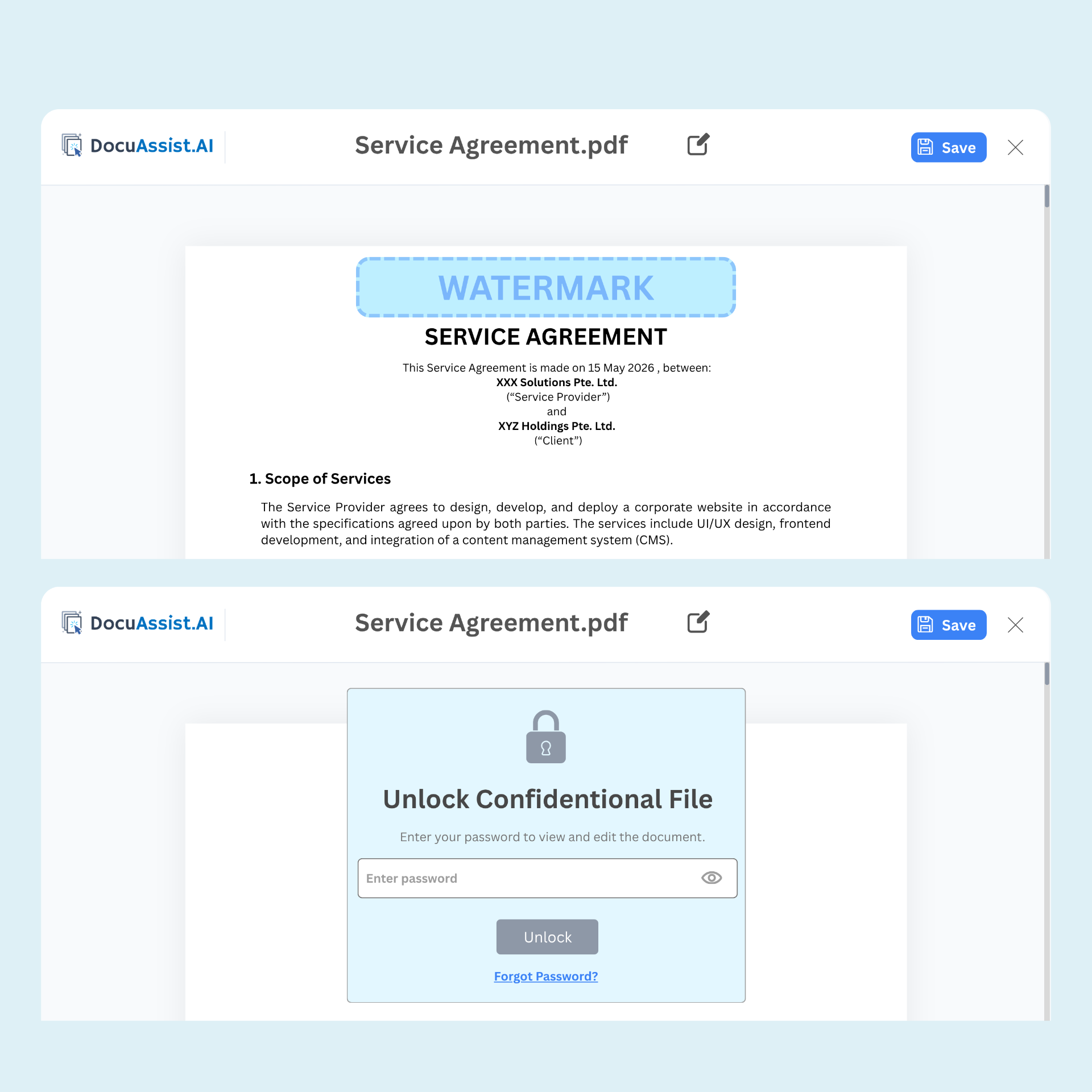
Secure sensitive documents with Digital Rights Management (DRM). Control access, prevent unauthorized sharing, and maintain visibility into how your documents are used—even after they've been distributed.

Secure document sharing

Dynamic watermarking

Copy and print restrictions

Access monitoring and tracking
보안 문서 플랫폼, 곧 출시될 기능, 및 초기 액세스에 대해 알고 싶은 모든 것
DocuAssist.AI is an AI-powered document management and processing platform that helps individuals and businesses manage, analyze, secure, and collaborate on documents more efficiently.
It combines AI document intelligence, PDF tools, document storage, and digital rights management (DRM) features in a single platform.
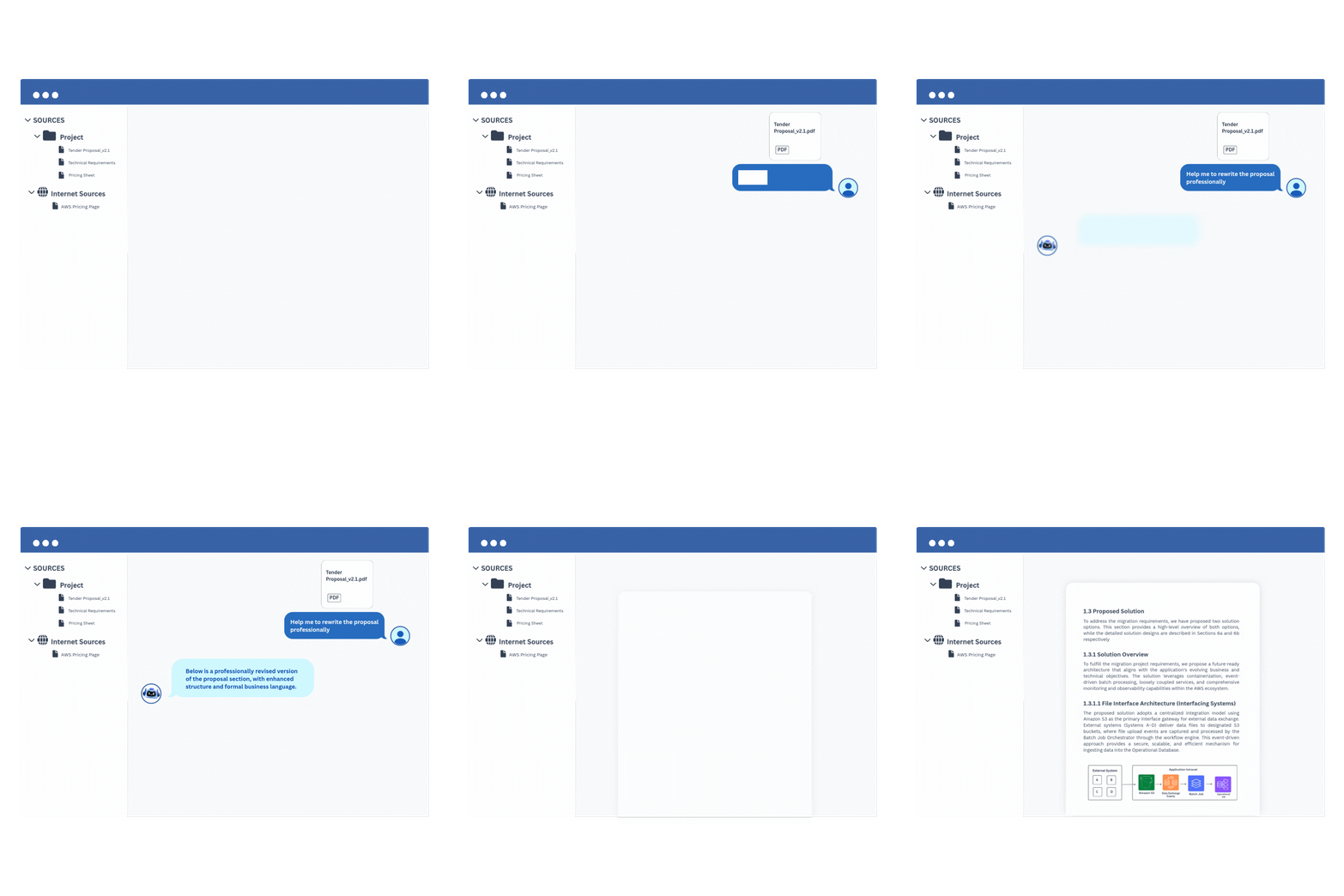
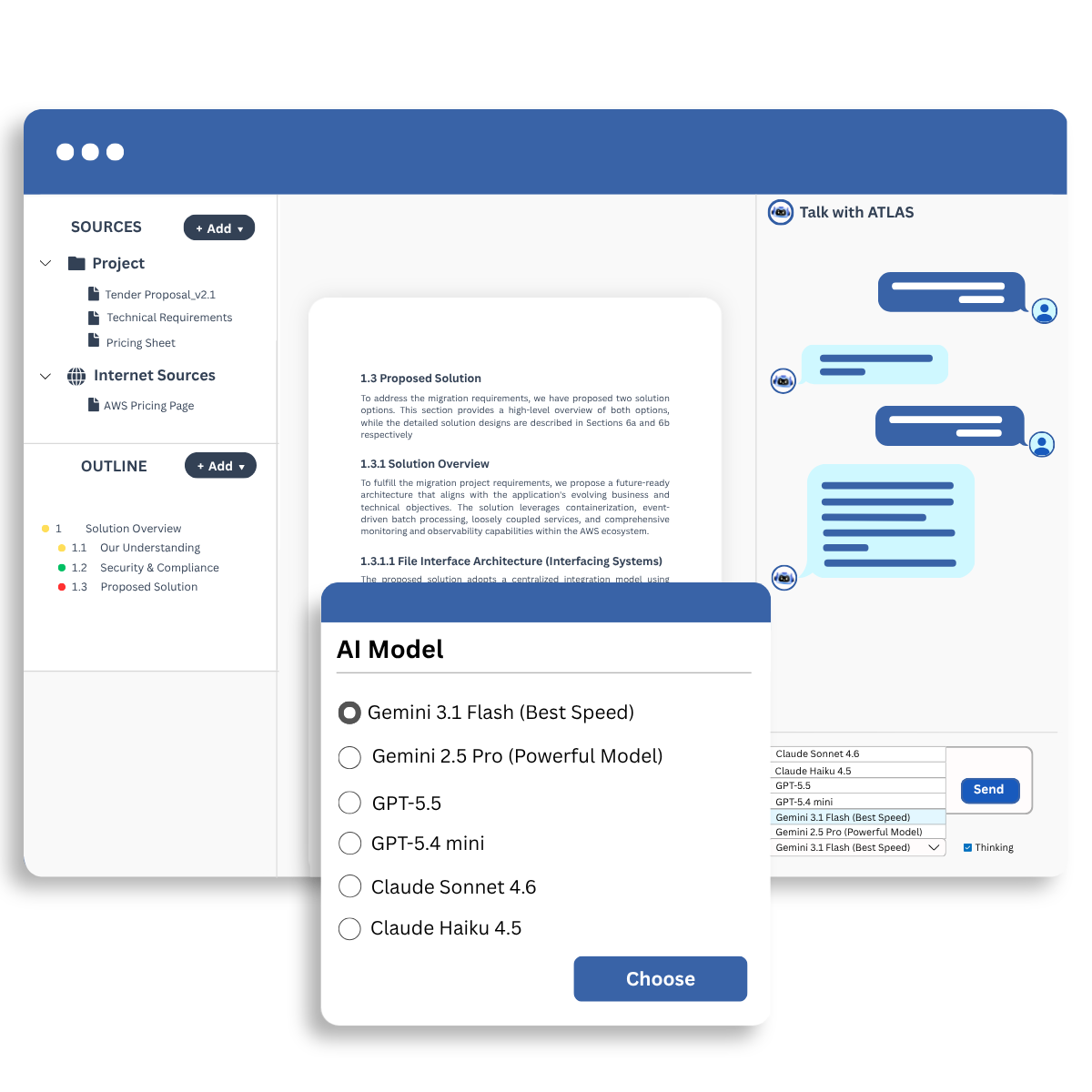
The AI Workspace allows you to upload documents and interact with them using AI.
You can:
This helps reduce manual document review and improves productivity.
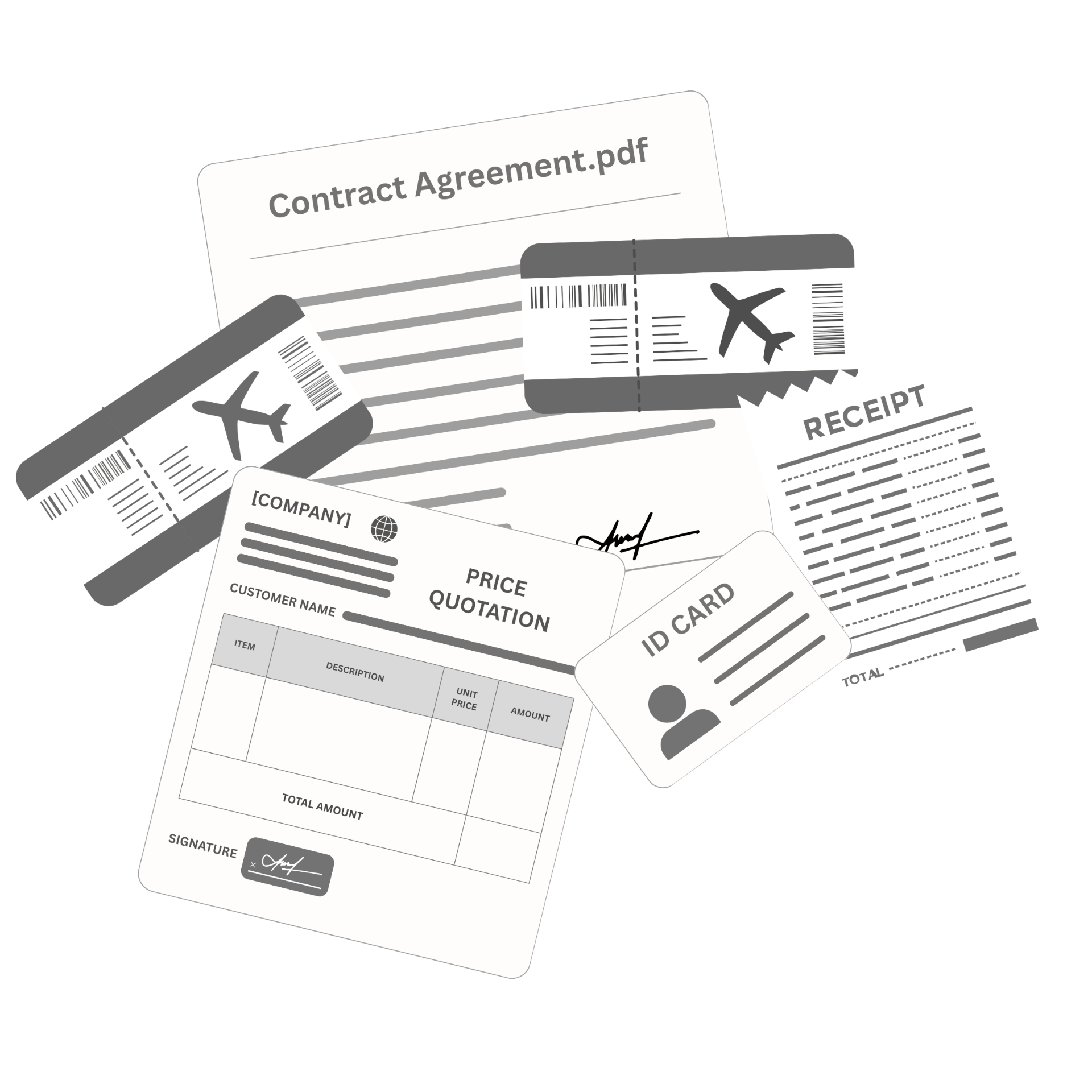
DocuAssist.AI can help organize and manage a wide range of documents, including:
Yes. DocuAssist.AI includes built-in PDF tools that allow you to:
These features help reduce the need for separate PDF software subscriptions.
DocuAssist.AI consolidates multiple document-related capabilities into a single platform.
Benefits include:
This helps lower operational costs while improving productivity.
Yes. DocuAssist.AI integrates with commonly used platforms such as:
These integrations help automate document collection and organization without constantly downloading and re-uploading files.
DocuAssist.AI includes multiple security and document protection features, including:
These features help protect confidential information and maintain control over document distribution.
Digital Rights Management (DRM) helps protect sensitive documents by controlling how they are accessed and used.
With DRM features, organizations can:
This is especially useful for contracts, financial records, and other sensitive business documents.
Yes. DocuAssist.AI allows you to create reusable prompt templates.
This helps standardize document reviews, improve consistency across teams, and reduce repetitive work when performing similar document-related tasks.
Unlike general-purpose AI platforms, DocuAssist.AI is specifically designed for document-centric workflows.
It combines:
All within a single platform designed to help users work with documents more efficiently.
우리의 말을 믿어보세요.
실제 전문가들이 DocuAssist 로 시간을 다시 찾아가는 방법을 알아보세요