Login Login

DocuAssist AI Automate

Let your inbox and documents run themselves

Your email sorts itself, replies write themselves, and files end up in the right folder. You only step in when something needs a real decision.

Try for  free 

AI Email Assistant

For the mail you read every day. It puts what matters on top and drafts the replies.

AI Workflow

For the jobs you repeat. Describe the rule once and it handles every email and document after that.

An inbox that is already sorted when you open it

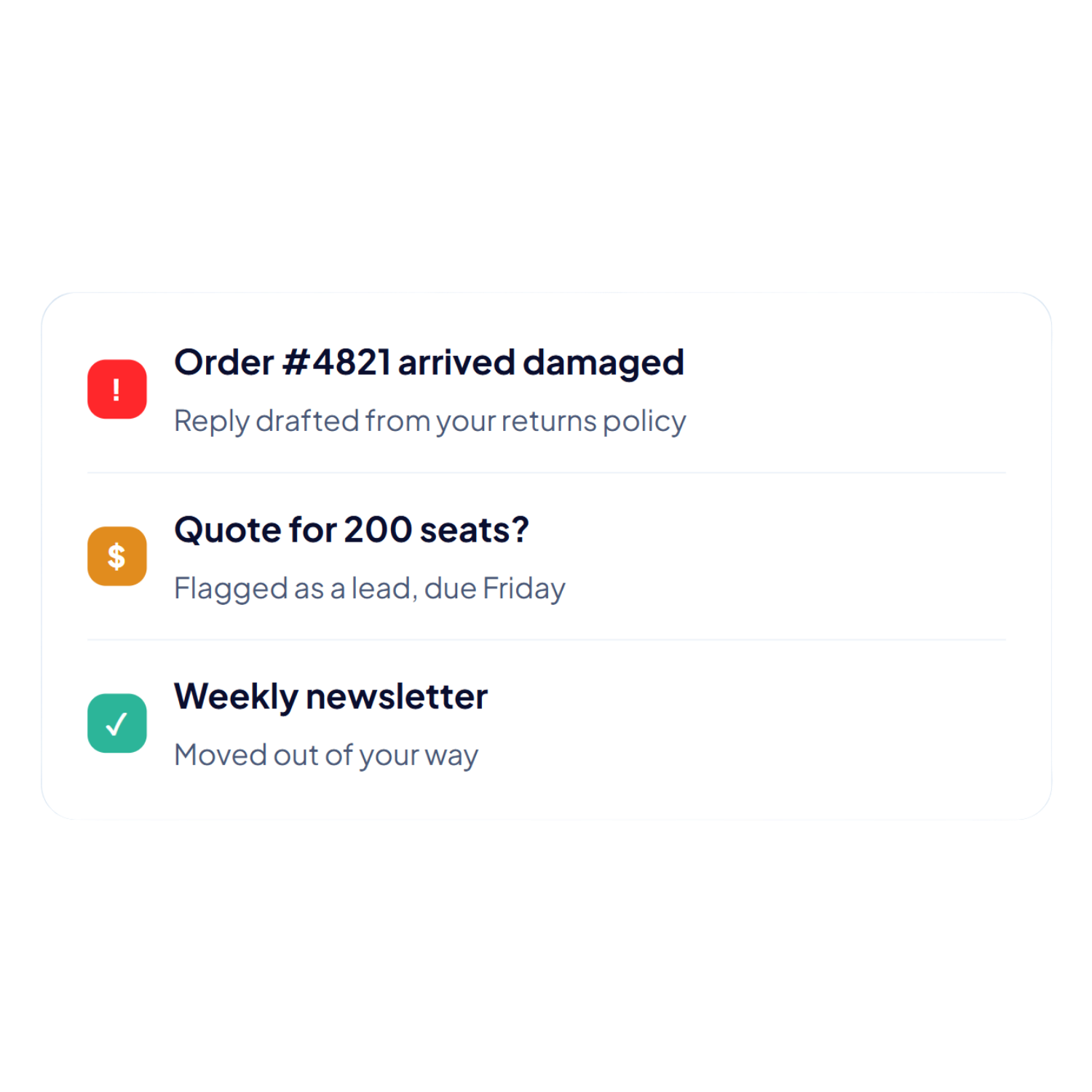
Connect your Outlook mailbox once. New mail arrives sorted into what needs you and what can wait, with a short summary on each message.
  • Important mail comes first
    Complaints, questions, and sales leads rise to the top. Promotions and notifications stay out of your way.

  • Replies that are half written
    One click drafts an answer using your own documents.
    It is sent from your own email address.

  • It learns from you
    Move one email to the right place and it remembers that  sender next time, at no extra cost.

Works with Microsoft Outlook. One Microsoft sign-in, and you approve exactly what it can read and send. Nothing is ever sent from a DocuAssist address.

Tell it what you want in one sentence

Type what should happen when an email arrives or a document lands. AI Workflow turns it into a set of steps that read, decide, file, tag, and draft for you.

  • Sort and file your mail
    Complaints, questions, and sales leads rise to the top. Promotions and notifications stay out of your way.

  • Understand each document
    One click drafts an answer using your own documents.
    It is sent from your own email address.

  • Draft replies for you to send
    Move one email to the right place and it remembers that  sender next time, at no extra cost.

Set up in a few minutes

Describe it

Write one sentence, or pick a ready-made recipe and adjust it.

Check it

Every workflow opens in the designer first. You see the steps and can change them.

Switch it on

Nothing runs until you press Run or turn it on yourself.

Or start from a ready-made recipe

File invoices from email

Finds invoices in a mailbox, notes the supplier and amount, and files them under Finance.

Tag everything new

Reads each new document and sets its project, type, and client from your own tag lists.

Acknowledge complaints

Spots complaints, drafts an apology with a next step, and leaves it for you to review.

Answer enquiries

Finds questions about a topic you name, looks up the answer in your documents, and drafts a reply.

You stay in charge

It asks first

Anything sensitive pauses on a question. You decide, then the workflow carries on.

You choose when it runs

Nothing starts until you press Run or switch it on.

Your address, your documents

Replies go out from your own mailbox and answers come from your own files.

Easy to undo

Tagging runs quietly in the background and can be undone.

File Smarter with AI Automate

Instead of manually sorting, routing, and filing every document that lands in your inbox, AI Automate reads, organizes, and files it for you — automatically.

Try for FREE